
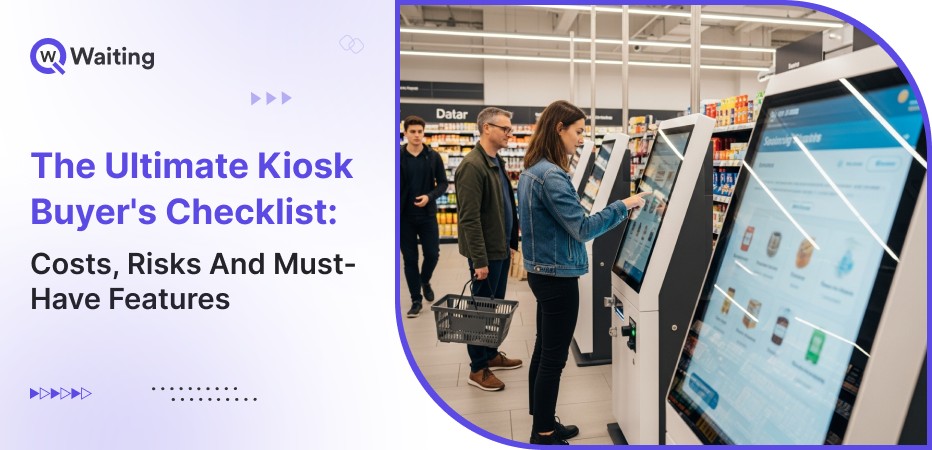
Self-service kiosks have moved from novelty to necessity across industries. What started as a new, cool extra thing can now be seen at airports or fast-food places. Now, they are changing many other places. Hospitals use them to check in patients, banks to manage simple monetary tasks, and at government offices, kiosks can be used to simplify the customer journey. But buying a kiosk is a big decision. It is not like buying a coffee. If you choose the wrong one, you will have a costly machine that no one wants to use.
In this blog, we will discuss everything operations leaders need to know before signing that contract. We’re talking real costs (including the ones vendors conveniently forget to mention), actual risks that surface after deployment, and the features that separate functional kiosks from money-draining mistakes. Whether you’re evaluating your first kiosk or scaling across multiple locations, this checklist will help you make decisions that stick.
Why Self-Service Kiosks Have Become a Boardroom Priority in 2026
The shift toward self-service isn’t a trend anymore! It’s an operational imperative. CXOs are no longer asking if they should deploy kiosks, but how fast they can roll them out without compromising service quality or blowing budgets.
The Global Shift Toward Self-Service
Customer expectations have fundamentally changed. Speed isn’t a bonus; it’s the baseline. Autonomy isn’t preferred; it’s demanded. And contactless experiences? They went from pandemic necessity to permanent standard. Across retail, healthcare, banking, government services, and hospitality, kiosks are becoming the first point of contact, not because businesses want to reduce human interaction, but because customers actively choose self-service when it’s done right.
| Industry | Adoption Growth (2023-2025) |
| Healthcare | 43% increase |
| Banking & Finance | 38% increase |
| Retail | 52% increase |
| Government Services | 29% increase |
| Hospitality | 41% increase |
The Direct Business Value Leaders Look For
Operations managers don’t deploy kiosks to follow trends. They deploy them to solve measurable problems: reduced queue lengths, faster service times, and optimized labor allocation. The best implementations create operational consistency across multi-location enterprises, ensuring that a customer in Singapore gets the same efficient experience as one in Dubai or Toronto. What’s interesting is how quickly these systems pay for themselves when implemented correctly, but only if you avoid the common pitfalls we’ll cover next.
“We cut average wait times by 62% within the first quarter of kiosk deployment. The ROI wasn’t just in labor savings, it was in customer retention. We stopped losing walkaways during peak hours.”
— Operations Director, Multi-location Retail Chain
The True Cost of Buying a Kiosk (and Everything Vendors Don’t Mention)
Here’s what most vendors won’t tell you upfront: the sticker price is just the beginning. The real financial conversation starts after you ask about maintenance contracts, software updates, and what happens when you need to scale.
Upfront Investments You Need to Benchmark
Hardware costs vary dramatically based on what you’re actually building.
- A basic check-in kiosk with a touchscreen and basic printer runs differently from a full-service unit with biometric scanners, document readers, and payment terminals.
- Screen quality matters; cheap displays fail under heavy use or bright lighting.
- Enclosure design impacts durability and vandal resistance.
- And here’s something first-time buyers miss: thermal printers cost more initially but save money on consumables compared to inkjet alternatives.
| Hardware Tier | Cost Range | Ideal Use Case |
| Basic | $2,000-$4,000 | Simple check-ins, directory services |
| Mid-Range | $4,000-$8,000 | Retail checkout, appointment booking |
| Advanced | $8,000-$15,000+ | Banking transactions, healthcare registration with ID verification |
Software licensing structures vary wildly. Some vendors charge per device, others per transaction, and some bundle everything into annual contracts. Deployment setup includes network configuration, system integration, and custom workflow design, costs that can easily match your hardware investment if you’re connecting to existing CRM, POS, or EMR systems.
Hidden & Long-Term Costs Often Overlooked
- Annual maintenance agreements typically run 15-20% of hardware cost.
- Replacement parts, touchscreens, printers, and card readers deteriorate faster in high-traffic environments.
- Cloud hosting fees, data storage costs, and software update subscriptions add up.
- Integration extensions become expensive when your needs evolve (and they will).
- Staff training isn’t one-and-done; process redesign continues as you optimize workflows based on actual usage data.
Common Mistakes First-Time Buyers Make
Choosing the cheapest vendor usually means compromising on software flexibility, integration capabilities, or support quality. That $3,000 kiosk looks attractive until you realize custom workflow modifications cost $15,000 and take three months.
Ignoring analytics and reporting capabilities is another frequent error; if you can’t measure what’s happening, you can’t optimize. And here’s the big one: not planning for multi-location scalability. What works for five kiosks becomes a nightmare when you’re managing fifty across different regions.
The Risks No One Talks About: And How to Avoid Them
Look, vendors focus on features and benefits during sales cycles. But the real conversation needs to cover what happens when things go wrong, and they will.
Vendor Lock-In & Limited Customization
Some providers restrict software modifications, forcing you to pay premium rates for basic workflow changes. Others use proprietary hardware configurations that make component replacement expensive and slow. Red flags in demos? Watch for canned responses about “standard configurations” or vague answers about API access.
In contracts, look for clauses restricting third-party integrations or requiring vendor approval for software updates. Ask directly: “Can we modify checkout flows ourselves? What programming access do we have?”
Security, Data & Compliance Risks
Kiosks handling payments, personal information, or health data create liability exposure. Encryption standards matter, both data at rest and in transit. Biometric data handling requires specific protocols; GDPR in Europe and HIPAA in healthcare aren’t optional considerations.
Banking and finance face stricter frameworks around authentication logging and transaction audit trails. The question isn’t whether your vendor mentions security, it’s whether they can document their compliance certifications and show you their incident response procedures.
Industry-Specific Risk Considerations
Retail: Peak-hour congestion reveals whether your system can handle transaction volume. Payment reliability during holiday rushes can make or break quarterly performance.
Healthcare: Identity verification failures compromise patient safety. EMR compatibility issues create dangerous documentation gaps.
Banking: Data privacy breaches carry regulatory penalties. Authentication accuracy directly impacts fraud prevention.
Government: Multilingual requirements aren’t nice-to-have, they’re legal mandates in many jurisdictions. ADA compliance affects every citizen’s access to services.
The Must-Have Kiosk Features Every Enterprise Should Demand
Not all kiosks are created equal. The difference between a system that transforms operations and one that becomes an expensive obstacle often comes down to specific capabilities you need to demand upfront.
Hardware Features That Actually Matter
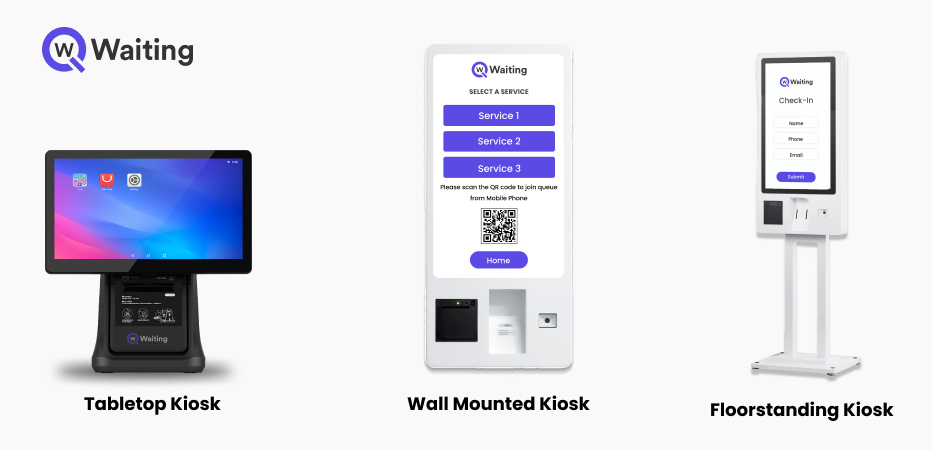
- Screen durability under constant use and environmental stress, cheap displays develop dead zones or become unresponsive within months.
- Brightness levels adequate for varied lighting (crucial for locations with windows or bright retail environments).
- Touch responsiveness that works with different hand sizes, ages, and even gloved users in healthcare settings.
- ADA-compliant design isn’t optional; it includes proper height adjustment, audio guidance, and high-contrast visual modes.
- Add-ons like QR scanners, thermal printers, and facial recognition modules should be modular, you want flexibility to upgrade without replacing entire units.
Software Capabilities That Define Modern Kiosk Platforms
- Customizable workflows let you modify check-in processes, checkout sequences, or appointment booking flows without vendor assistance.
- Multi-language support should be comprehensive, not just interface translation but complete process flow adaptation for different cultural expectations.
- Branding flexibility means your kiosks reflect your identity, not generic manufacturer templates.
- Real-time analytics dashboards show what’s actually happening: which workflows cause friction, when usage peaks occur, and where customers abandon transactions.
- Integration readiness matters most, these systems must connect seamlessly with queue management platforms, CRM systems, POS terminals, EMR databases, and banking authentication systems.
| Feature Category |
Must-Have |
Nice-to-Have |
Deal-Breaker If Missing |
| Workflow Customization |
✓ |
✓ |
|
| Real-Time Analytics |
✓ |
✓ |
|
| Multi-Language Support |
✓ |
Industry-dependent |
|
| Integration APIs |
✓ |
✓ |
|
| Remote Management |
✓ |
✓ |
|
| Biometric Options | ✓ |
Industry-dependent |
Experience-Led Design & Usability
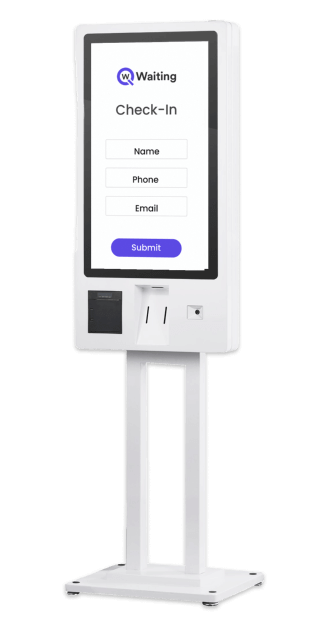
- Intuitive UX reduces friction and directly improves adoption rates. Every unnecessary click represents a decision point where customers might abandon the process.
- Cognitive load matters, complex interfaces with too many options overwhelm users, especially those less comfortable with technology.
- Consistent UI across multiple locations creates familiarity; customers who used your kiosk in one city should instantly recognize the interface in another.
Must Read: Kiosk Branding That Sells: On-Device Offers and UX That Drive Real Results
Industry-Specific Must-Have Features
Retail: Fast checkout with RFID scanning for quick product identification, split payment options, and digital receipt delivery.
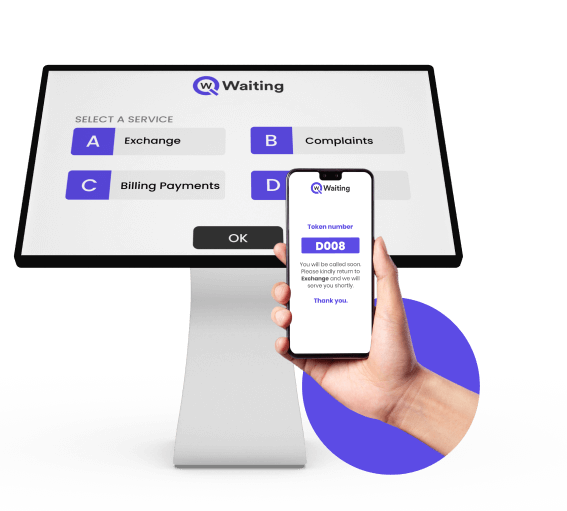
Healthcare: Patient check-in with ID verification, insurance card scanning, and direct integration with appointment scheduling systems.

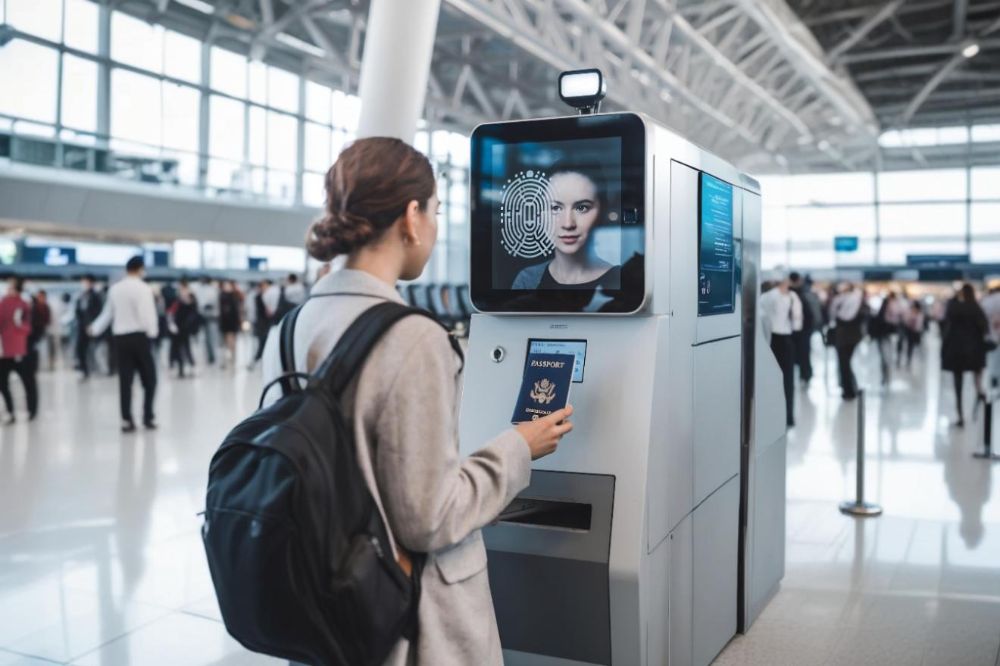
Airport and Banking: Biometric authentication (fingerprint or facial recognition), secure document scanning, and real-time account access.
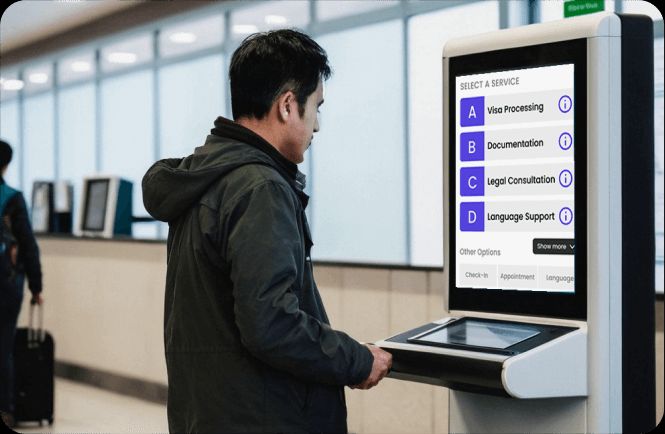
Government: Digital form filling with field validation, multilingual flows that adapt entirely (not just labels), and accessibility features meeting strict ADA standards.
Related Blog: Top 8 Industries Benefiting from Self-Service Kiosks Today
Your Final Kiosk Buyer’s Checklist: Decision Framework for 2026
You’ve seen the costs, understood the risks, and identified essential features. Now here’s the decision framework that helps you evaluate vendors objectively and deploy successfully.
A Clear 10-Point Executive Checklist

- Budget clarity: Separate CapEx (hardware, initial setup) from OpEx (maintenance, software licenses, integration updates).
- Vendor credibility: Case studies from your industry with verifiable references.
- Integration ecosystem: Documented API access and existing connections to systems you use.
- Customization freedom: What you can modify in-house versus what requires vendor intervention.
- Security framework: Compliance certifications relevant to your industry and geography.
- Hardware durability: Warranty terms and mean time between failures (MTBF) data.
- Analytics depth: What metrics you can track and how data exports for further analysis.
- Scalability readiness: Pricing structure for adding locations and remote management capabilities.
- Warranty & support SLAs: Response times, replacement procedures, and support availability across time zones.
- Future-proofing: Upgrade paths for AI capabilities, biometric enhancements, and omnichannel integration.
How to Compare Vendors Without Getting Lost in Sales Jargon

A transparent proposal must include: itemized hardware costs, software licensing structure (per device, per transaction, or subscription), integration scope and timeline, training provisions, and post-deployment support terms.
During demos, ask: “Show me how you handle a workflow modification request. What’s the process if we need to change the check-in sequence in three months?”
Use a scoring system, rate each vendor on the 10-point checklist above, with weighted emphasis on factors most critical to your operation.
Pilot vs Full Deployment — When to Scale
First 30-60 days establish benchmarks: transaction completion rates, average time per interaction, customer feedback scores, and technical incident frequency. Adoption metrics reveal whether customers actually prefer self-service or avoid your kiosks—if adoption stays below 40%, investigate UX issues before scaling. Customer feedback loops should be formal: surveys, staff observations, and analytics-backed behavior tracking.
Deployment Timeline Snapshot
Planning (4-6 weeks): Workflow design, integration mapping, vendor selection.
Hardware delivery (6-8 weeks): Manufacturing, shipping, customs (for international deployments).
Setup (2-3 weeks): Installation, network configuration, system integration testing.
Training (1-2 weeks): Staff preparation, process documentation, support protocols.
Go-live (1 week): Soft launch with monitoring, issue resolution, and optimization adjustments. Risks during each stage?
Planning phase: underestimating integration complexity.
Delivery: shipping delays (add buffer time).
Setup: network security approval processes are taking longer than expected.
Training: resistance to process changes requiring change management.
Go-live: unexpected peak traffic overwhelming undertested systems.
Making the Decision That Sticks
Buying kiosks isn’t about following competitors or checking boxes on digital transformation initiatives. It’s about solving specific operational problems with technology that actually works in your environment, with your customers, under your constraints.
The best deployments start with clear problems: “We’re losing customers during lunch rush” or “Patient check-in backs up every Monday morning.” They continue with an honest assessment of what you can manage in-house versus what requires vendor support. And they succeed when you prioritize integration depth, customization flexibility, and long-term scalability over initial cost savings.
Modern queue management solutions like Qwaiting integrate kiosk functionality with virtual queuing, appointment scheduling, and real-time analytics, creating complete customer journey orchestration rather than isolated self-service touchpoints. That integration matters because kiosks shouldn’t be standalone islands; they’re most valuable as part of a connected system that manages flow, optimizes staff allocation, and measures what actually drives satisfaction.
Ready to see how the right kiosk deployment fits your specific operation? Start with the 10-point checklist above, score your top three vendors honestly, and run the numbers through the ROI framework.
Book your consultation call with Qwaiting today and install your business kiosk today.