
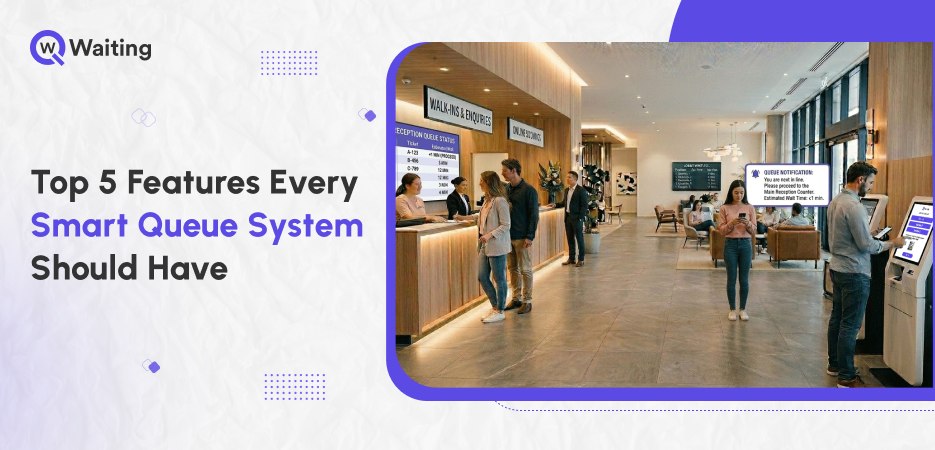
For a big company, having a long line isn’t just a small problem. It is a clear sign that things aren’t working right, and it is the main reason why people stop being customers. Today, leaders in hospitals and banks are stopping trying to “manage” lines and are starting to plan out the entire customer journey from start to finish.
This is a big change in how things work. A smart queue management system for handling lines isn’t just a tiny extra tool anymore; it is the most important part of how a business feels to its users. It is the reason why a lobby is either filled with angry people or seamless operations.
Choosing the right queue system for your business is important and can lead to better profits. It may be difficult, but selecting the right software for your operations will make a significant difference. In the following blog, we will be listing some of the must-have features every queue system must have.
If you’re evaluating platforms beyond just queue handling, this guide on Why Appointment Scheduling Software is Essential in 2026 breaks down what decision-makers should really look for before investing.
5 Core Capabilities of a Smart Queue System
A modern queue management system goes far beyond managing lines. It connects channels, predicts demand, optimizes flow, and enhances customer experience, helping businesses reduce wait times while improving operational efficiency and service quality.
1. Omnichannel Queueing: Because Customers Don’t Start Their Journey at Your Door
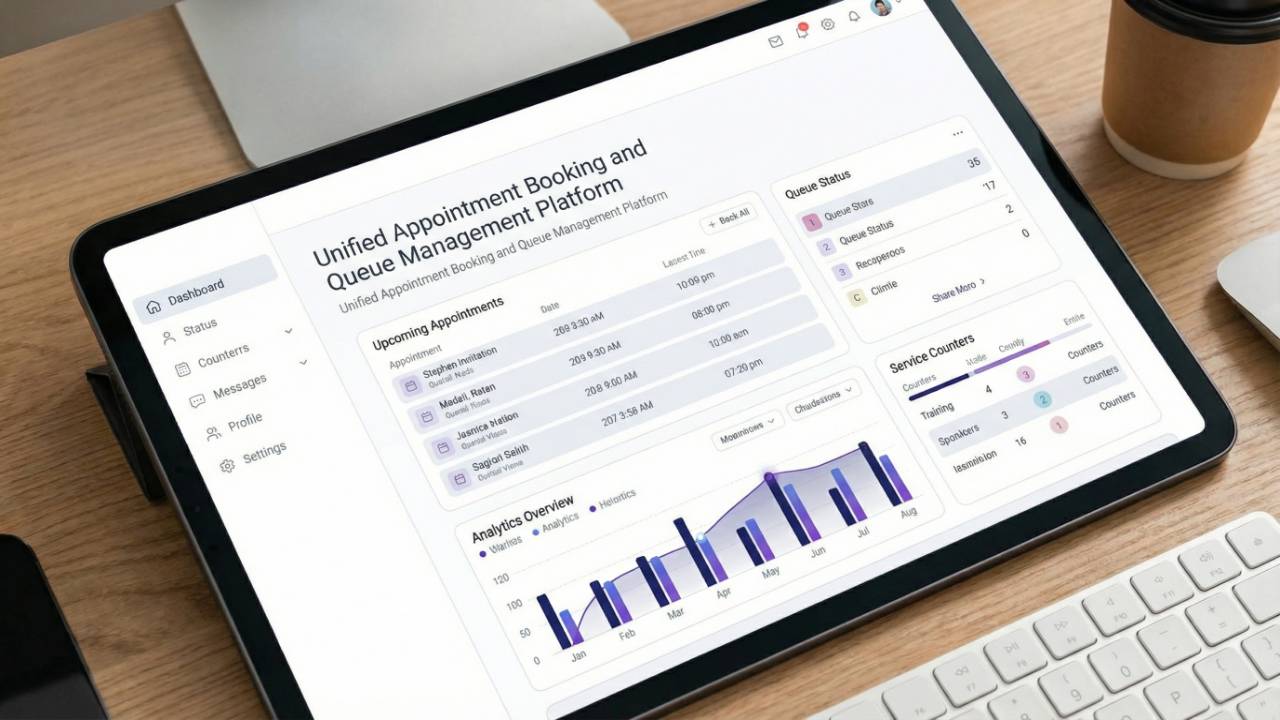
Most businesses think a customer’s visit starts the second they walk through the front door. But the customer experience actually begins the moment someone decides to head your way. If your website and your in-store QMS don’t connect, you aren’t really helping people move through. Instead, you are just creating a big traffic jam that slows everyone down.
Walk-ins, online bookings, and remote check-ins must work as one system
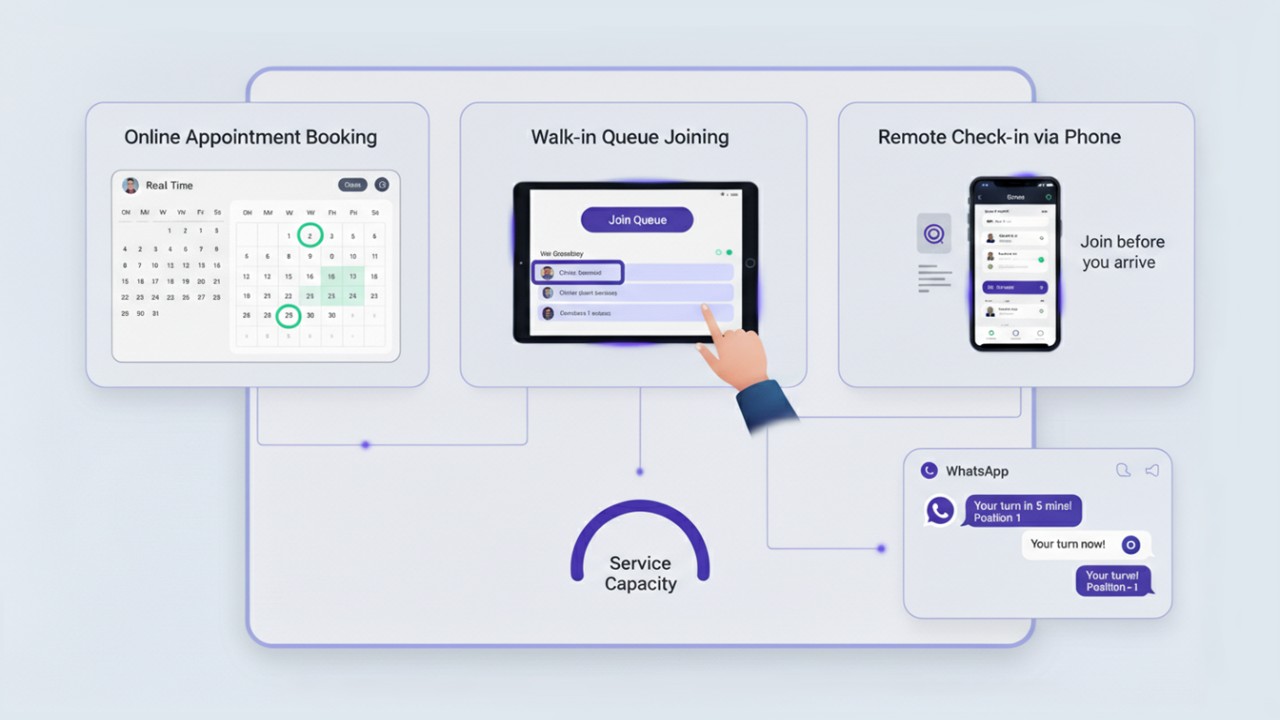
When different computer systems don’t connect, managers can’t see the full picture. If a boss doesn’t know how many people booked online versus how many just walked in, they end up guessing how many staff people they need. This usually leads to a messy scramble to fix problems after they happen.
Using a single unified system puts all that information in one place, so everything stays balanced rather than being a surprise.
Walk-ins and queue management systems work in parallel to provide a seamless check-in experience for customers. Still, many businesses need to connect their two systems, which is possible as explained in:
Why Smart Companies Are Merging Appointment Booking With Queue Management
Virtual queuing that actually reduces crowding—not just digitizes it

There is a huge difference between just giving someone a digital number and actually controlling how people move. A smart virtual queuing system lets customers wait wherever they feel most comfortable, like in a nearby coffee shop, their car, or even at home. They get live updates sent straight to their phone through a text or WhatsApp message.
This makes the waiting rooms much calmer and less stressful for both the workers and the visitors.
Seamless transitions between channels
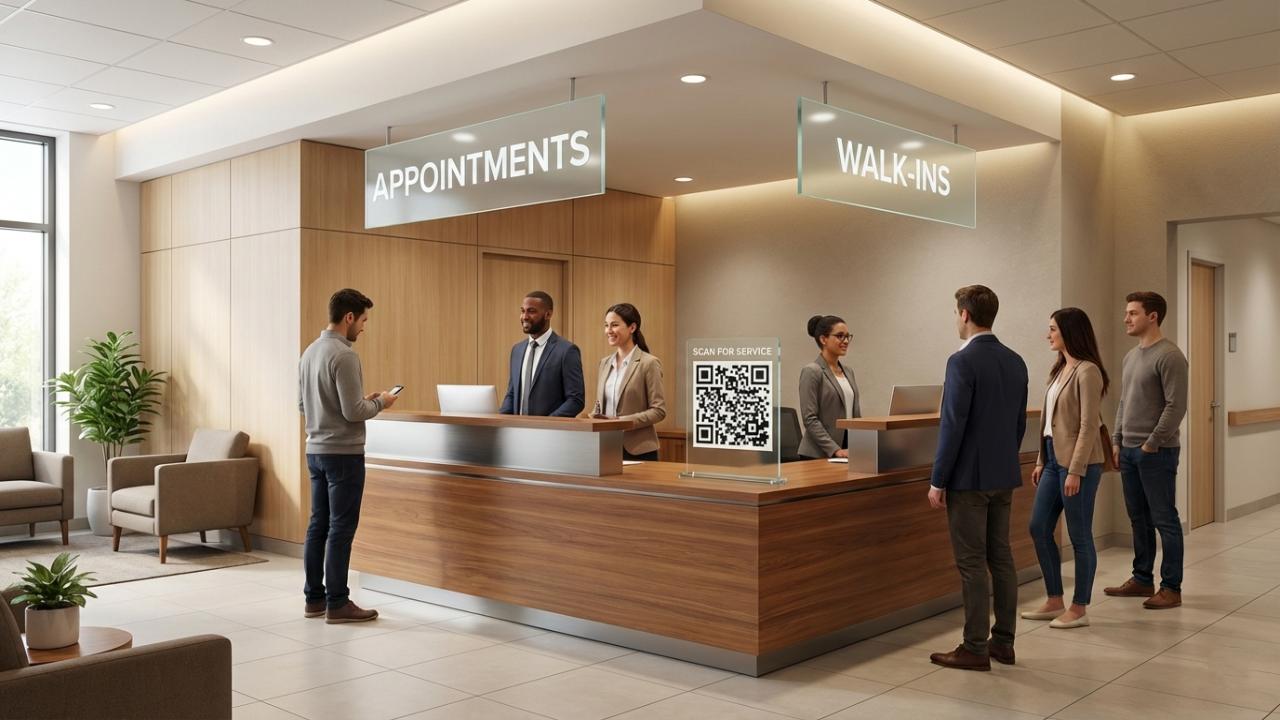
If a customer books an appointment on their phone, they shouldn’t have to type in all their information again when they arrive. Keeping the experience smooth from start to finish is a sign that a business really knows what it’s doing. The move from the app to the actual store needs to be easy and quick.
This keeps all the important details ready so that the team is fully prepared to help before the customer even sits.
Multichannel vs. Omnichannel Queue Systems
| Capability | Traditional System | Smart Queue System | Business Impact |
| Data Flow | Isolated by channel | Fully integrated | No data silos; better CX |
| Wait Experience | Physical presence required | Remote/Virtual entry | 40%+ reduction in lobby crowding |
| Reporting | Fragmented/Manual | Single dashboard | Accurate resource planning |
2. Intelligent Flow Management: The Brain Behind the Queue
Being efficient isn’t just about making people move faster; it is about making them move in a smarter way. The real “brain” of a smart system is its ability to make the best choices based on information. It shouldn’t just help people in the order they arrive. Instead, it uses data to figure out who needs to go where to make everything work perfectly for everyone.
Here’s how intelligent flow management helps:
Real-time queue visibility across locations
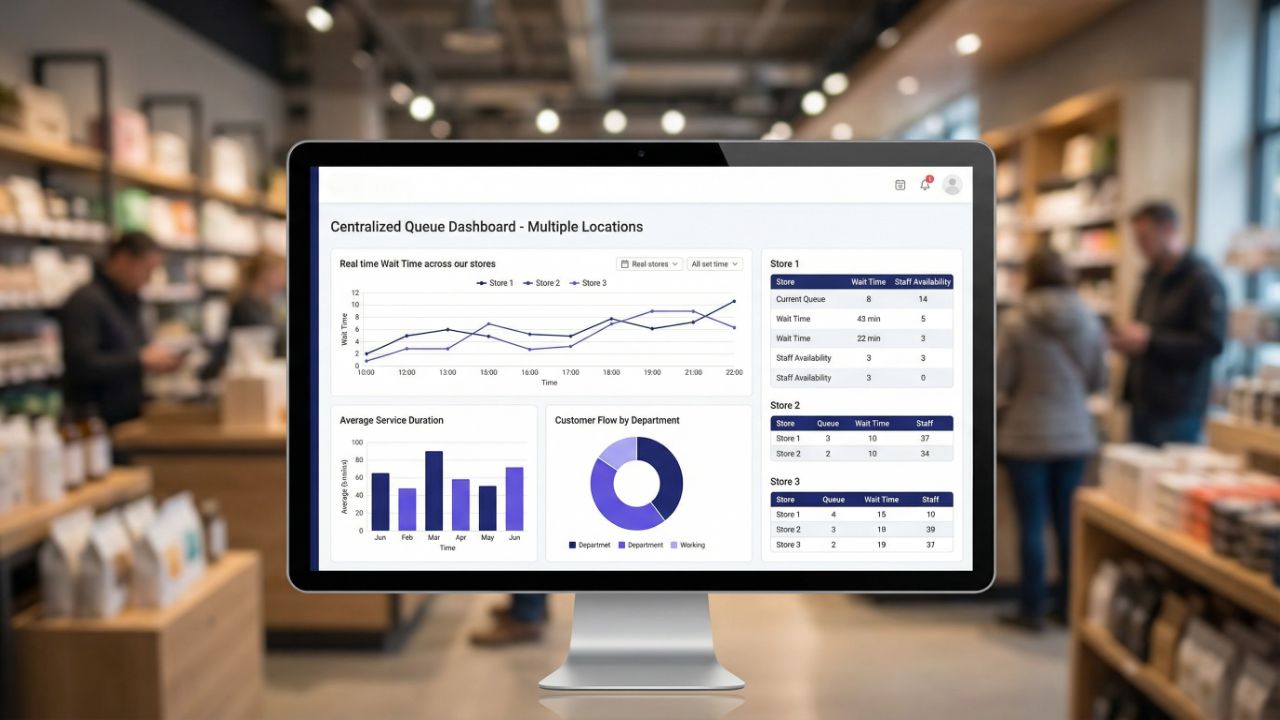
For leaders, being able to see everything clearly is how they prevent big problems. Centralized dashboards help them know exactly what is happening at every branch, all at once.
It highlights which stores are way too busy and which ones are too quiet. This lets the bosses make smart moves to balance things out across the whole company.
Dynamic prioritization and smart routing
The old “first-come, first-served” way of managing queues might seem easy, but it usually isn’t very smart. Imagine if a bank customer with a huge problem had to wait behind someone just asking for a pen. In places like hospitals or banks, some cases are emergencies or just very quick fixes that only take 2 minutes.
A smart system uses special rules to decide who goes where and when. This makes sure that every single person gets the right level of help exactly when they need it most.
Predictive wait time estimation (not guesswork)
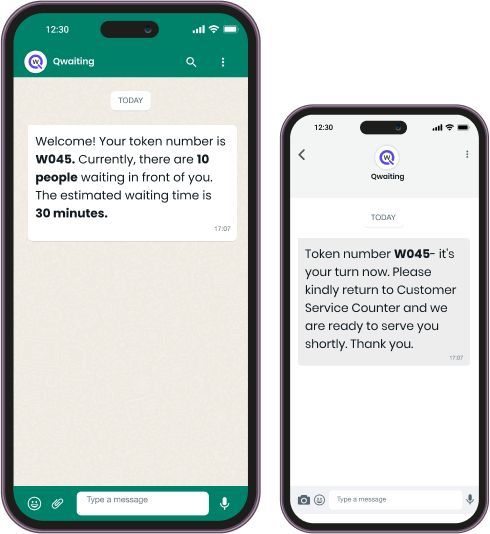
Using a simple average to guess wait times can be a big mistake. If you tell a customer they will wait for 10 minutes, but it actually takes 20, they will feel let down and stop trusting you.
Advanced queue optimization software uses AI-driven logic to account for current staff levels, historical service speeds, and real-time arrival rates to provide estimates that are actually accurate.
Manual Queue Decisions vs. Intelligent Automation
| Feature | Manual/Basic Logic | Intelligent Automation |
| Routing | Staff call the next number | Logic-based routing to the best-skilled agent |
| Staffing | Fixed shifts | Real-time alerts for “load balancing.” |
| Wait Times | Estimated by staff | AI-calculated based on live flow |
3. Experience Layer: Turning Wait Time into Brand Time
Waiting for something is more about how it feels than how long it actually takes. A 15-minute wait can feel like it only lasted 5 minutes if you are busy or if someone keeps you updated.
On the other hand, just 5 minutes of “blind waiting” where you have no idea what is happening can feel like it lasts forever. Keeping people informed makes the time fly by much faster.
Here’s how to lower customer wait time frustration:
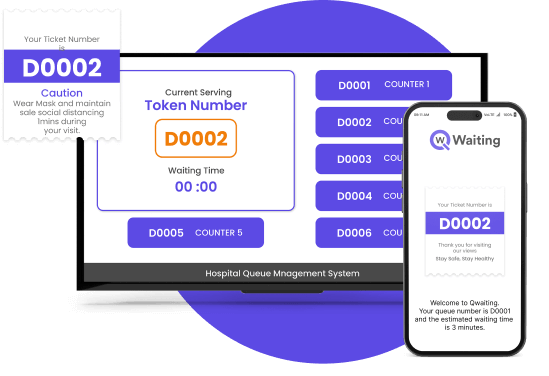
- Real-Time Notifications: Customers don’t want to “wait”; they want to be informed. Regular updates via SMS or display screens reduce the anxiety of the unknown and allow the customer to reclaim their time.
- Digital Signage with Intent: Most businesses use screens solely to display numbers. Sophisticated systems use this real estate for cross-selling, educational content, or community updates, turning a passive wait into an active engagement window.
To see how leading businesses turn waiting areas into engagement zones, explore how:
digital signage and queue systems work together to elevate the entire customer journey
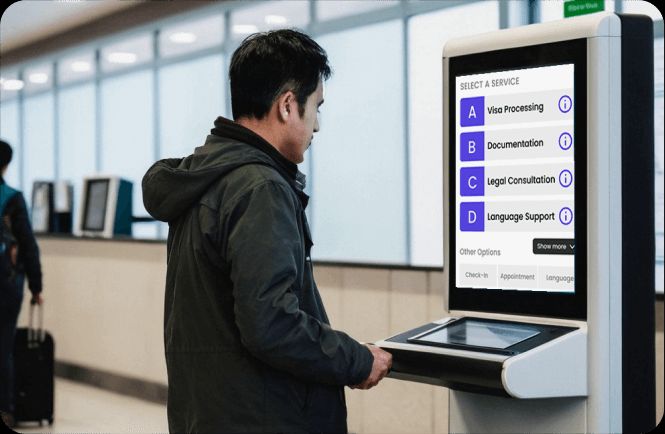
- Self-Service Kiosks: Self-service queue kiosk systems reduce front-desk dependency, allowing for faster onboarding and categorization of needs. In healthcare and government sectors, this is critical for reducing the administrative burden on frontline staff.
Measurable Outcome: “By implementing a smart waiting system, we reduced our patient wait times by 40% while our staff efficiency improved by 30%. This resulted in a smooth, crowd-free waiting experience
— Fullerton Health Medical Centre, Singapore
4. Data & Analytics: You Can’t Improve What You Don’t Measure
Operational leaders need more than a list of how many people were served. They need to understand the why behind the numbers to drive long-term ROI.
Real-time operational dashboards
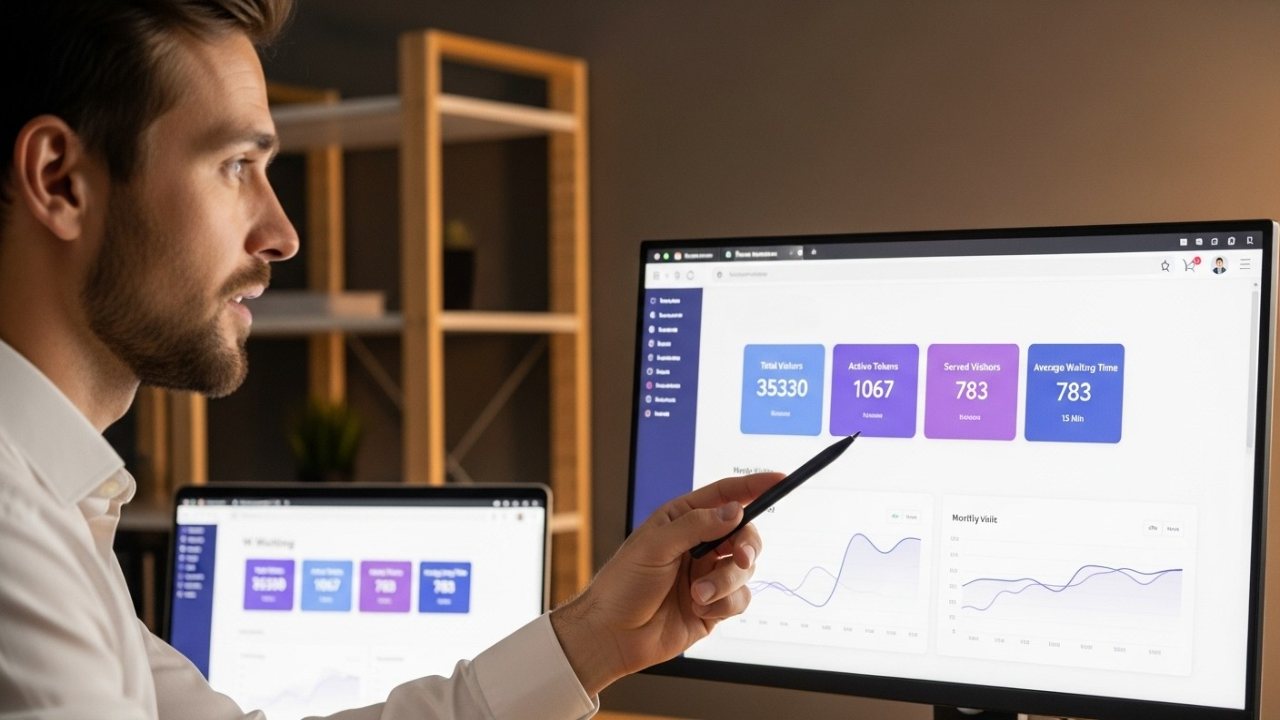
This is not just about looking at a report at the end of the month. It is about seeing exactly what is happening right this second. If a manager sees that things are moving too slowly at one office, they can jump in and help immediately. This stops people from getting frustrated and leaving or writing a mean review online before it even happens.
If you want to measure what you are ignoring and how it’s costing your businesses, you must read our blog:
Queue Management Analytics: The Data Most Businesses Are Ignoring (And Paying For)
Historical data for forecasting
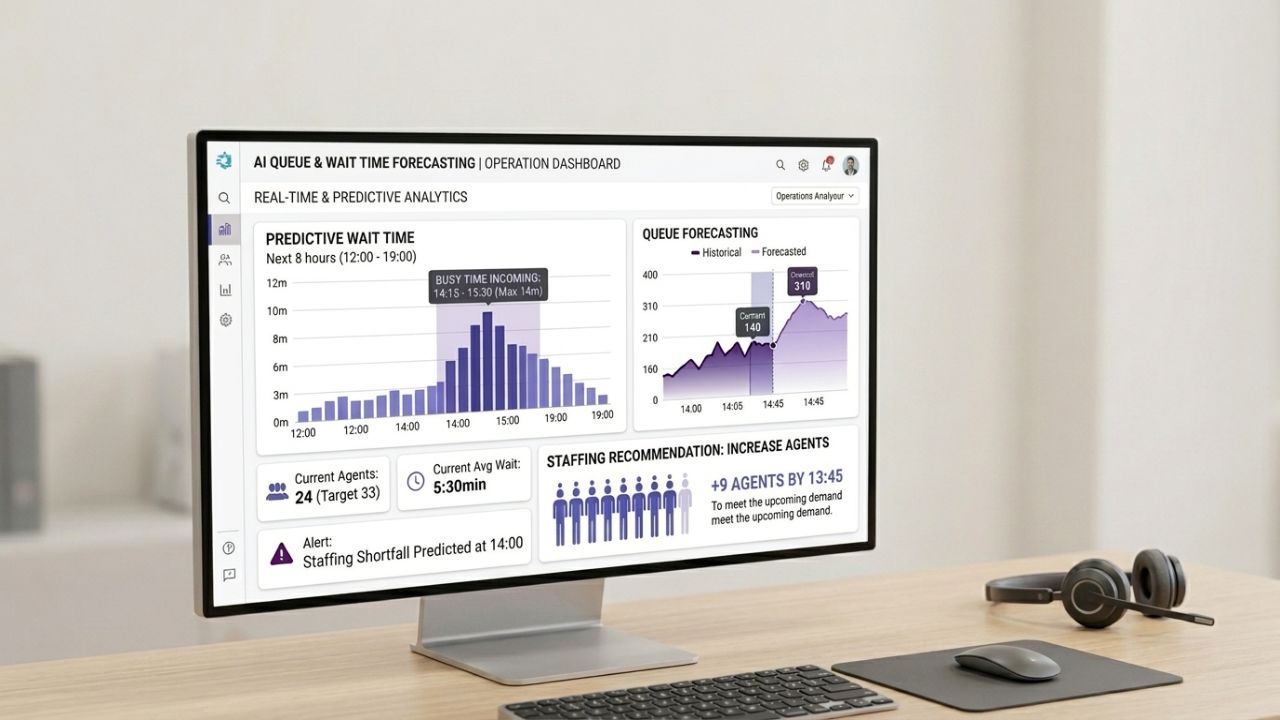
Using smart tools to track lines helps bosses see patterns, like noticing that Tuesday mornings are always much busier than Thursday afternoons. When they know this, they can make sure exactly the right number of workers are there at the right time. This saves the company a lot of money and makes sure nobody is sitting around bored or feeling way too stressed.
Raw Data vs. Actionable Insights
| Raw Data Point | Actionable Business Insight |
| “Average wait is 12 mins.” | “Wait time exceeds SLA between 2 PM and 4 PM due to staff lunch breaks.” |
| “10% drop-off rate” | “Customers abandon the queue after 8 mins of inactivity; needs engagement.” |
| “500 customers served.” | “Staff member X is 15% faster at high-complexity tasks; re-route.” |
5. Scalability, Security & Enterprise Readiness
A computer system that works perfectly for one small shop will often crash if a huge company tries to use it for 500 different stores. If the foundation isn’t strong enough to handle thousands of people at once, the whole thing will stop working when the company grows.
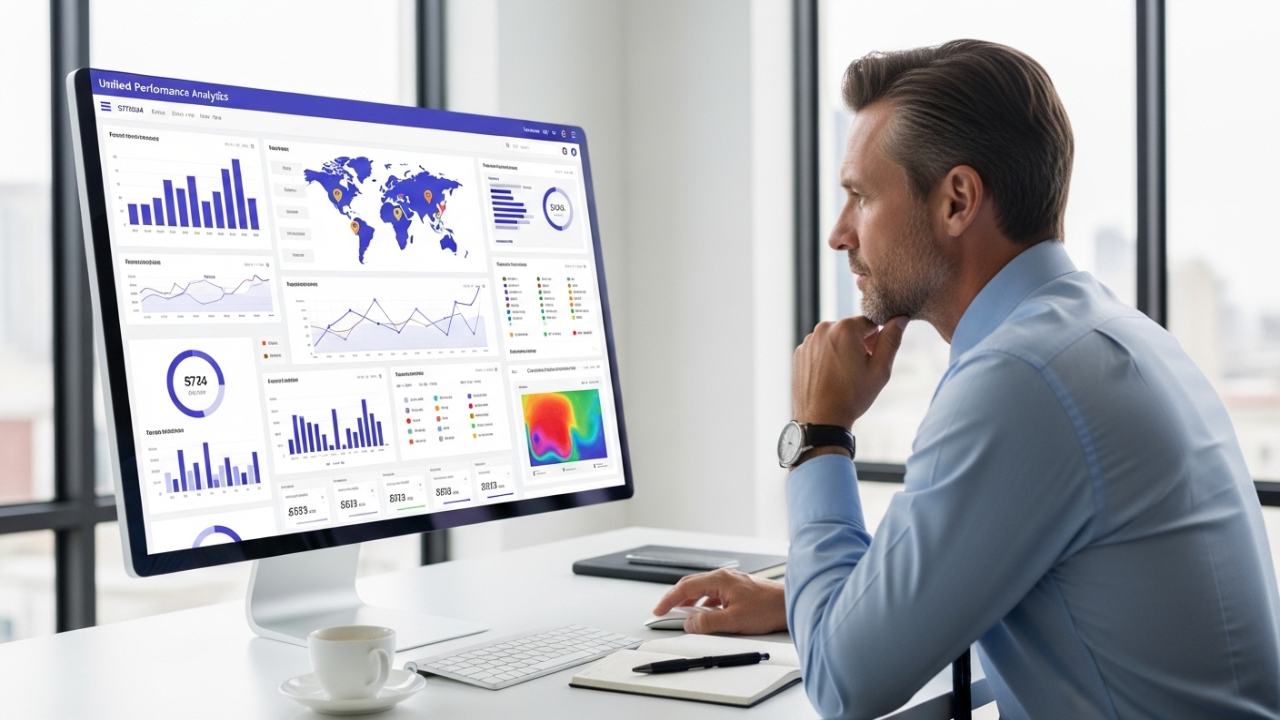
- Multi-location Management: An enterprise queue management solution must offer a unified architecture. You need the ability to push a global configuration change to every branch simultaneously, ensuring standardized service across the entire organization.
- Security & Compliance: In sectors like healthcare (HIPAA) or banking, data privacy is non-negotiable. Whether you choose cloud-based agility or the control of an on-premise deployment, the system must meet rigorous global security standards.
- Customization Without Complexity: Business logic changes. Your system should allow you to adapt workflows—adding new service categories or changing priority rules—without requiring a six-month development cycle.
The Real Question Isn’t ‘Do You Have These Features?’
It is: Are they working together to transform your operations?
Many vendors provide pieces of the puzzle, a kiosk here, a reporting tool there. But true operational excellence comes from an integrated ecosystem where the smart queue management system acts as the central nervous system of your service environment.
Features alone don’t move KPIs; the orchestration of those features does. If your current setup is merely counting people in a line, you are leaving efficiency and revenue on the table.
Is your queue system managing lines—or is it transforming how your business serves people?
Start smart planning today! Choose your queue management system with the best features now for more profits. Give a free call to the Qwaiting expert now and enjoy your 14-day free QMS trial.