
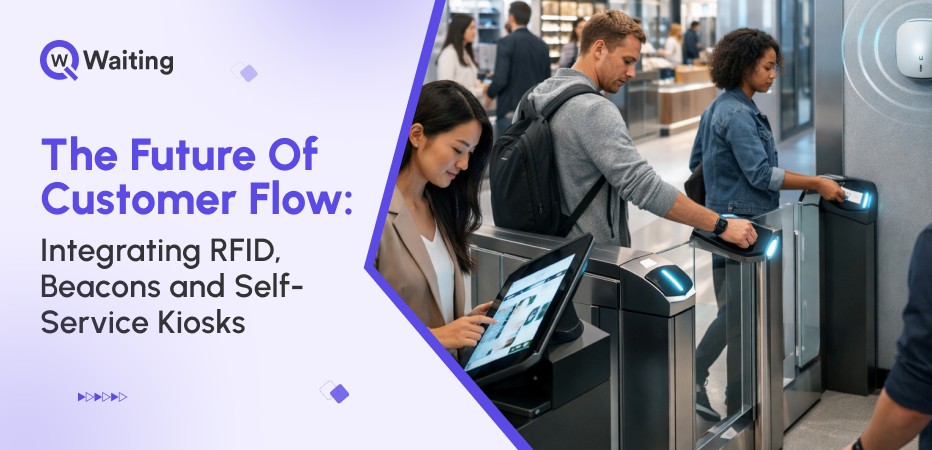
Customer flow means more than just moving people. It is about knowing who enters your business, where customers move, and what they need before they even ask. Today, the best businesses are doing more than just fixing long lines; they’re combining three technologies that most decision-makers still treat as separate projects: RFID tracking, Bluetooth beacons, and self-service kiosks.
Interestingly, each smart tool fixes unique queue problems. But when businesses use all three tools together, they are not just fixing bottlenecks; they’re redesigning how customers experience your space entirely. And that’s where operational efficiency meets real competitive advantage.
Why Customer Flow Needs a New Playbook
The old way of managing queues used to be simple. Customers would simply walk in, get a token, and wait for their turn. This wasted most of their time sitting in a queue, ideally. This old system worked in the past. Customers also did not expect as much back then. And store workers could manually handle every single person and every task. But now, reality is different!
Here’s how customer expectations shifted drastically:
The New Reality of Crowded Touchpoints
Rising footfall combined with hybrid customer journeys has broken the manual queue model. Stores get sudden, big rushes they can’t see coming. Hospitals have overlapping visits. Banks must handle people using apps and coming inside at the same time. The old ticket system cannot track who needs what, which causes long delays.
What Customers Now Expect Everywhere
Customers don’t just look at what your rival stores do anymore. They compare you to the best digital services they use, like big websites or apps, and then expect instant services. Customers nowadays want to know exactly how long they must wait. People now think, “If Amazon can update me instantly, why can’t this store?” This way of thinking is the new normal. People are okay with waiting if they know what is happening. But they will get angry if they are confused, can’t see what’s happening, or feel ignored.
Here’s a snapshot of the 5 most common customer frustrations in physical queues:
| Frustration | Impact on Experience |
| No clarity on wait time | 73% cite this as the primary complaint |
| Long, unmoving lines | Creates immediate walkaway risk |
| Confusion about which queue to join | Wastes time, increases anxiety |
| Lack of status updates | Erodes trust in the process |
| Inconsistent service across locations | Damages brand perception |
The Cost of Slow Service (and Leaders Know It)
When customers get tired of waiting and walk out, the business loses money. About 20 to 30 out of every 100 possible customers leave before they get help. This means the company loses sales for real.
This leads to low customer ratings. When customers are unhappy, it hurts the store’s reputation for many years. Businesses that watch these problems closely know they need new systems. They are now trying to find the smart queue tools that will make them the most money, the fastest.
The Technology Trio: RFID, Beacons & Kiosks (Explained Simply)
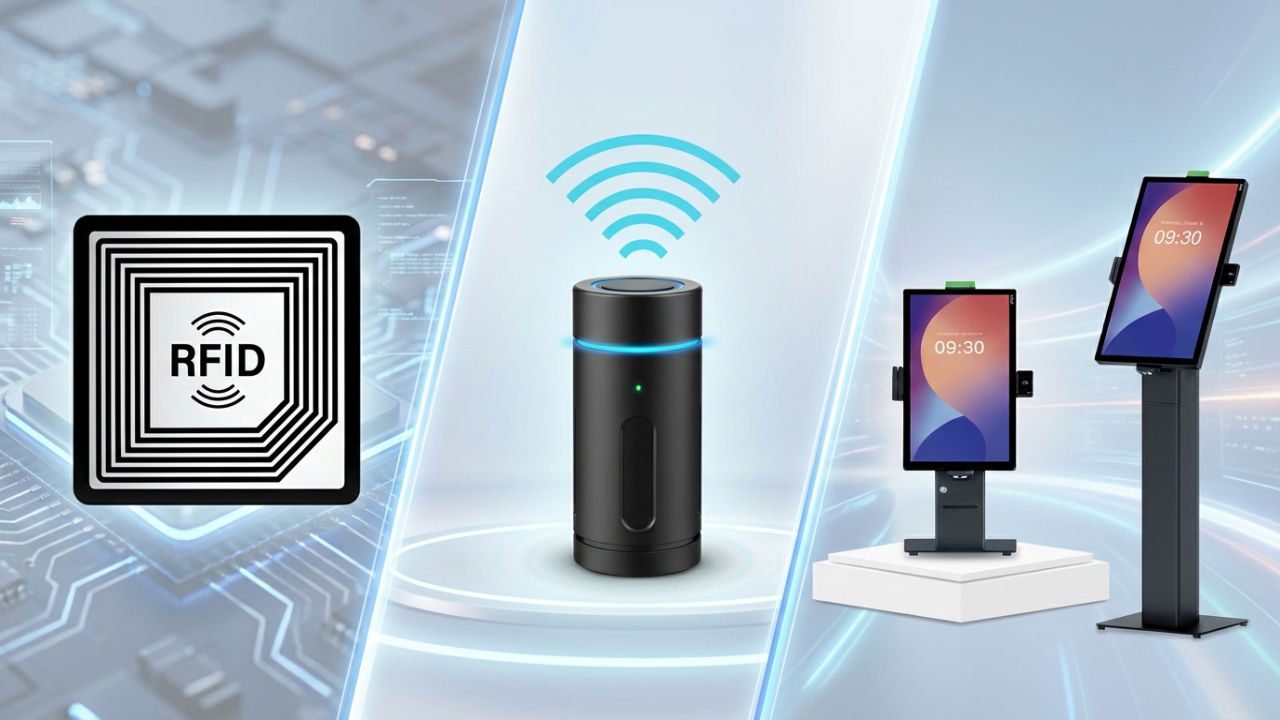
Most business leaders already know about these smart tools. But they often don’t understand one thing: how can these tools work together?
When they use them together, the tools can fix problems with customer lines that the old ways of managing queues simply cannot handle.
Here’s how they work:
RFID: The Always-On Identifier
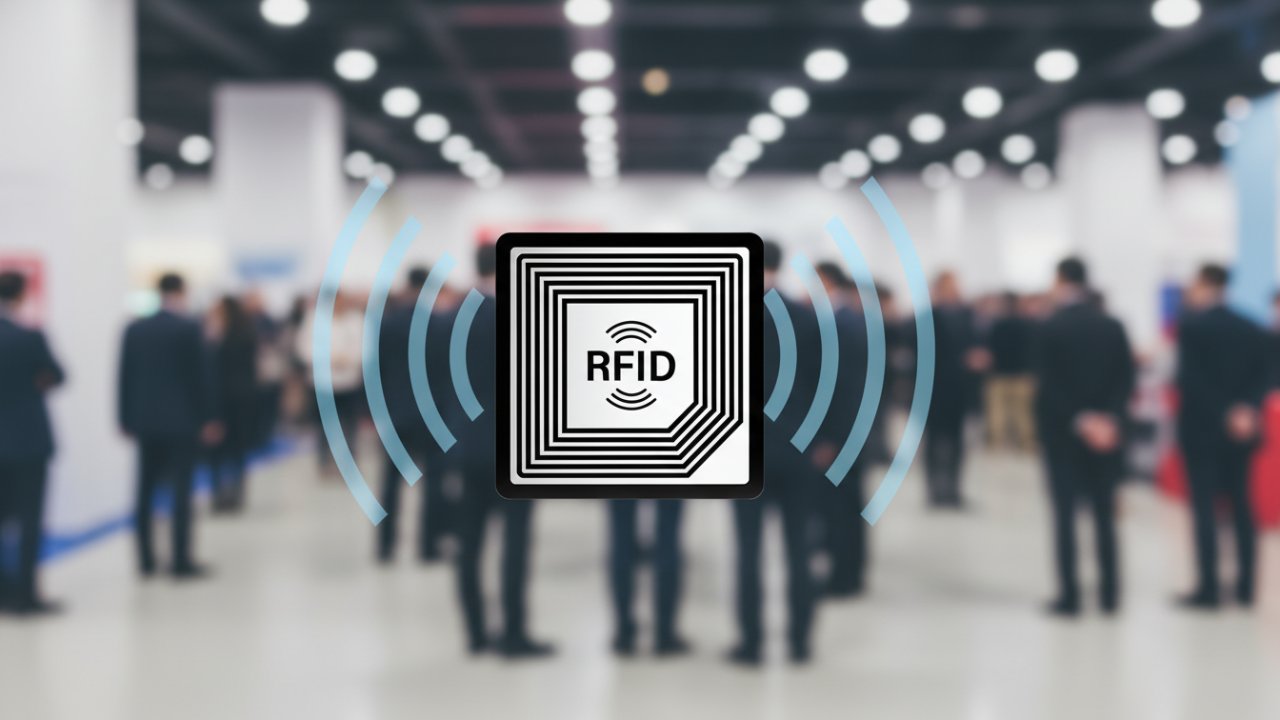
- RFID works automatically in the background. It finds items or people without needing to see or scan them.
- Companies use RFID to track inventory, baggage, and patients. It helps prevent things from being lost or going missing.
- Decision-makers like RFID because it is very accurate and automatic. Customers do not have to do anything extra.
Beacons: Micro-Location That Makes Journeys Smarter
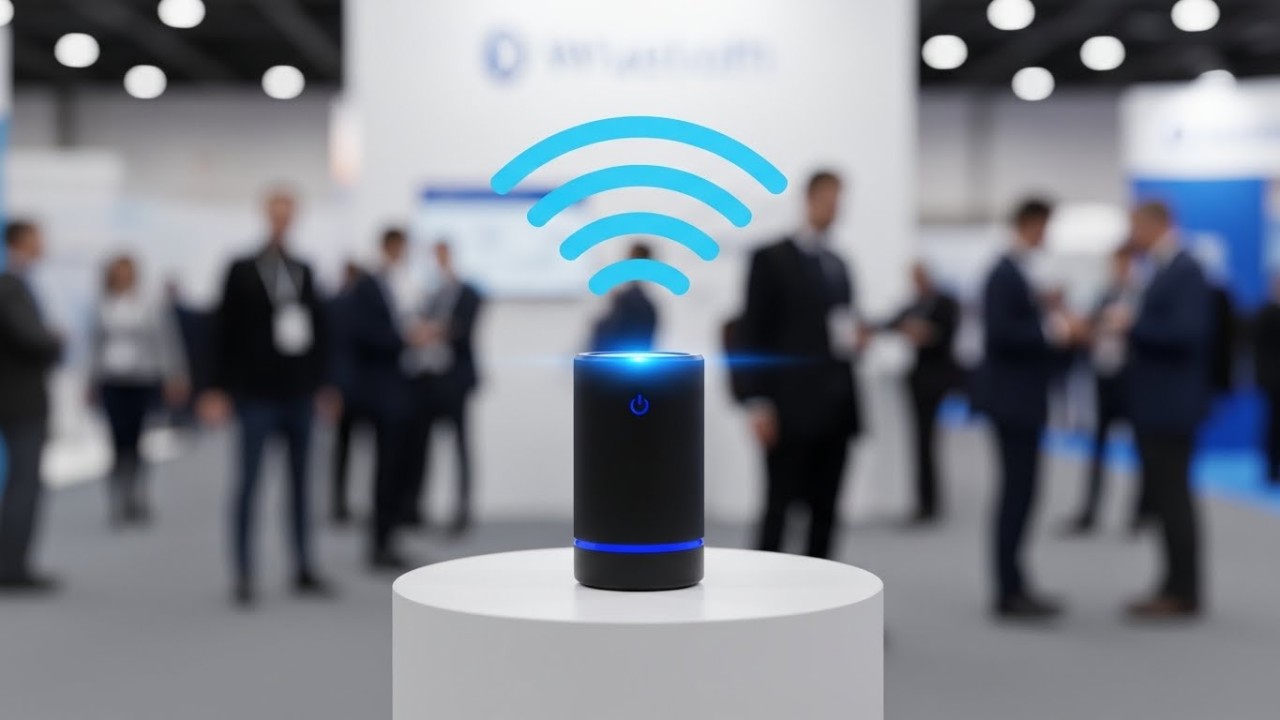
Bluetooth beacons are small tools that track customer movement very accurately inside buildings. These small, cheap devices create a network. It knows exactly when someone enters a specific spot.
- Beacons detect movement and location better than Wi-Fi or GPS indoors.
- Stores use beacons to guide customers to open service counters. Clinics use them to track patient arrivals.
- Beacons send alerts and personalized messages at the right moment, like showing which counter is open.
To go deeper into how smart routing improves customer movement, this guide on combining wayfinding and queue management explains how businesses direct people efficiently without confusion.
Location Technology Comparison:
| Technology | Indoor Accuracy | Primary Use | Customer Action Required |
| RFID | 1-3 meters | Identity tracking, access control | None (passive) |
| Bluetooth Beacons | 1-5 meters | Proximity detection, routing | Opt-in via app |
| Wi-Fi Triangulation | 5-15 meters | General presence analytics | None (passive) |
Self-Service Kiosks: The New Digital Reception Desk

Self-service kiosks enable customers to quickly check in, select a service, and receive a ticket or confirmation.
- They automate simple, repeated tasks. This helps reduce long wait lines and frees up staff time.
- In banks, kiosks identify customers and send them to the correct teller line before the staff is needed.
- Kiosks are now connected to systems. They share data to manage the entire customer journey.
The Real Impact: When All Three Technologies Work Together
When we use a single technology, it can only fix one small problem. This is like using a calculator just to solve one math question. However, when we connect many different technologies, we create a bigger, smarter system. This makes the service helpful and personal at the same time.
Here’s how connected technology systems help businesses:
The Integrated Customer Journey (Step-by-Step)
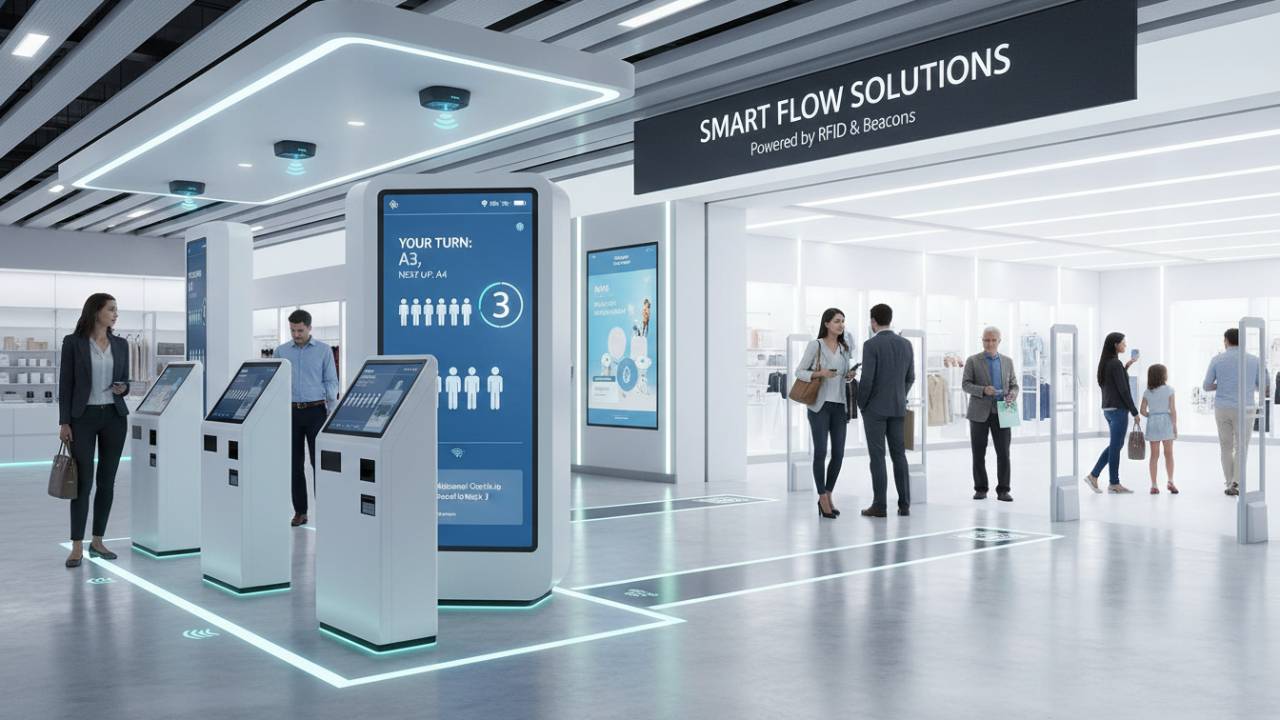
When different technologies are all linked together, they make a powerful and smart system. This system can quickly recognize who a customer is and what they need. It can then quickly and smoothly guide the customer through their whole visit.
This happens almost automatically without needing constant help from the staff. For the customer, everything feels very easy, fast, and personal. For the business, this process saves time, keeps things organized, and gives them important information. This information helps the business make better decisions later on. This smart connection makes the whole experience effortless.
Operational Intelligence Leaders Can Act On
The system makes very smart guesses about how long you’ll have to wait. It’s not just a random guess. It combines two things: the live location data from little sensors called beacons, and the actual finish times it records when people finish their service.
The system also uses heatmaps to see exactly where the businesses get too crowded during the day. This points out problem spots that a person might not notice. For example, the maps might show that many customers stop and look confused between two desks because the signs are not clear. Or, it might show that one busy area needs more workers during lunch.
Because the system learns from past information and knows how many people are waiting right now, it can predict when things will get busy. Instead of waiting for a big crowd to form, managers get early warnings. The system might alert the manager: “We expect 15% more people than usual at 2 PM. Maybe add one more person to the counter.” This helps the staff members keep things smooth before problems start.
Client Perspective: “Before integration, we managed queues reactively. After implementing RFID tracking, beacon routing, and kiosk check-ins across our clinic network, we’re operating predictively. We reduced patient wait times by 20 minutes while seeing 20% more efficiency in staff work. The system tells us where staff are needed before bottlenecks form, that shift alone justified the investment.”
— Operations Director, Holy Cross Medical Center
Quick Wins Businesses Notice Immediately
Faster check-ins happen when customers bypass reception entirely, using kiosks that take 20 seconds instead of two-minute staff interactions. Reduced waiting times follow when routing intelligence distributes load across all available service points rather than letting customers self-select into the wrong queue. Fewer manual processes mean staff spend time on complex service delivery instead of ticket management and crowd control.
Higher throughput and better conversion emerge naturally, when the experience is smooth, customers complete more transactions per visit and return more frequently. These aren’t marginal improvements; they’re structural changes that compound over time.
Here’s how traditional vs integrated customer journey impacts business growth:
| Metric | Traditional System | Integrated System | Improvement |
| Average Check-In Time | 2-3 minutes | 20-30 seconds | 75% faster |
| Wait Time Visibility | None or static display | Real-time, personalized | 100% transparency |
| Staff Involvement (Entry) | High (manual reception) | Low (self-service kiosk) | 60% reduction |
| Customer Routing Accuracy | Random or first-available | Service-specific, optimized | 85% better matching |
| Abandoned Queue Rate | 20-30% | 8-12% | 50-60% reduction |
KPI Snapshot for Decision-Makers
The numbers clearly show how well this new connected system works. Businesses that use systems with RFID tags, small beacons, and kiosks are seeing big improvements.
- Check-in times for all services are consistently 30% to 50% faster.
- Waiting times are now 40% shorter. This is a normal result, not just something they hope will happen.
- Since self-service options handle most simple tasks, fewer staff members are needed, as machines handle 60% to 70% of the regular customer interactions.
Customers are much happier, too! Their satisfaction scores go up, usually by a large amount. This means customers are more loyal and keep coming back. In industries where all the services are pretty similar, this great flow for customers becomes a real advantage over competitors.
What Decision-Makers Should Do Next
When a business decides to buy new technology, it shouldn’t start by watching a salesperson show off their product. This is called a vendor demo.
Instead, the company should first be honest about its own problems. They need to figure out exactly where the customer’s journey is going wrong right now. Only after knowing their problems and goals should they look for technology that can actually fix those things.
Here’s how leaders can implement this new connected technology in their businesses without any friction:
Build a Roadmap: Not Another Patchwork System
A business needs to start by drawing a complete map of the customer’s entire visit. This map should show everything from when the customer arrives until they leave.
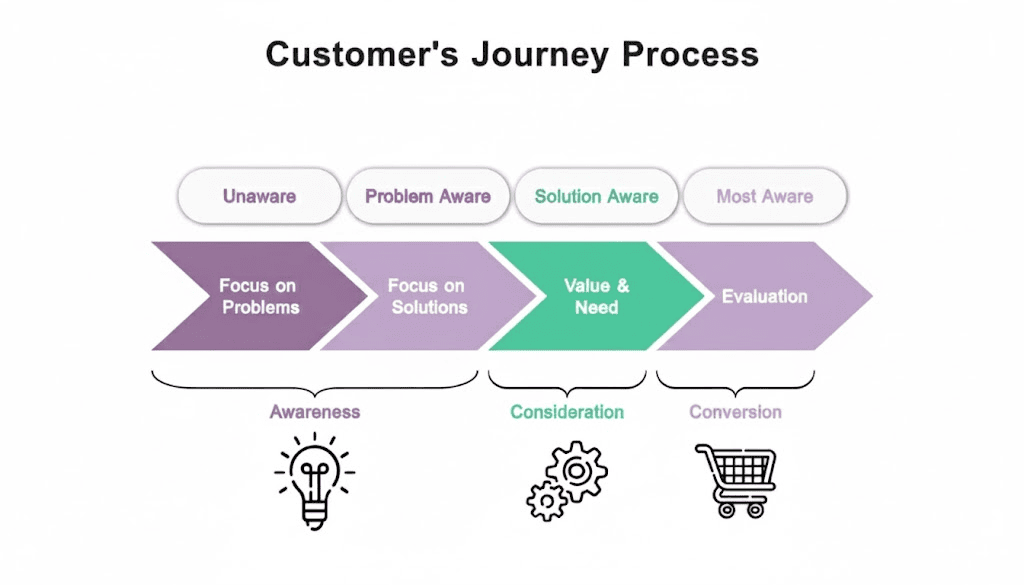
Do not just guess what the problems are. The company must:
- Watch what really happens between staff and customers.
- Talk to the workers who handle the long lines every day.
- Look at all the complaints to find patterns.
Most companies find out that their biggest problems are not where the leaders thought they were.
Before buying any new technology, the business must check three main things:
- Hardware Readiness: Can the building support the new tools? For example, can they put small beacon sensors around the building without having to do a lot of building work?
- Layouts: Are the desks and waiting areas in good places?
- Integration: Can the old computer systems share information with the new systems? Does the internet and network work well enough to handle all the tracking and routing in real-time?
Asking these questions first helps the company avoid big, expensive changes right in the middle of their project.
Why an Integrated Platform Wins Over Fragmented Tools
Having one main dashboard that shows all the information is much better than having three different systems. When tools like RFID tags, beacons, and kiosks all send their data to one queue management system, you see what is really happening in real time. You don’t have to waste time gluing together separate reports from different tools that don’t connect.
In the long run, a connected system saves money. It costs less because you only deal with one vendor (the company that sold you the system). Training staff is also easier because everyone learns the same program. Companies that switched from trying to build their own connections to using a ready-made platform found that setting up the system was 40% to 60% faster. They also rarely had big problems that needed fixing.
Platform Approach vs DIY Integration:
- DIY: Multiple vendor contracts, custom middleware development, ongoing maintenance burden, fragmented analytics, and slower updates.
- Platform: Single vendor relationship, pre-built integrations, centralized support, unified dashboard, rapid feature deployment.
Implementation Checklist for Leaders
Before a business spends money or chooses a company to supply a new system, it must ask some important questions. These questions help them find out if the system is ready for a big company or if it just works in a basic way.
What to Ask the Vendor?
- Can it grow with the company? Can the system work in many different offices or stores without having to set up a totally new version in each place?
- Does it show real results? Does the system give you live information using screens or dashboards that you can change to see the most important numbers for your business?
- Is the system secure? Does it follow important rules about keeping customer information private? For example, in health care, it must follow HIPAA rules.
- Can the system work with future tools like smarter guessing programs (AI), very accurate location trackers, or things like fingerprint scanning? It should be able to add these things without the company having to buy a whole new system.
Asking these questions helps a company choose a provider that wants to help the business change and improve for many years, instead of one that just sells a small, simple solution.
Conclusion
The businesses that will dominate customer experience over the next five years won’t be the ones with the biggest budgets, they’ll be the ones who integrated smarter infrastructure before their competitors understood what was possible. So here’s the question for leaders evaluating queue management service options today: Are you building a system that just manages today’s queues better, or are you creating the foundation for customer flow intelligence that adapts as expectations continue rising?
If you’re ready to see what integrated RFID, beacon, and kiosk systems look like in practice, explore how platforms like Qwaiting turn customer flow from a daily operational challenge into a strategic advantage.
Book your free consultation call with Qwaiting today, and transform your business.