
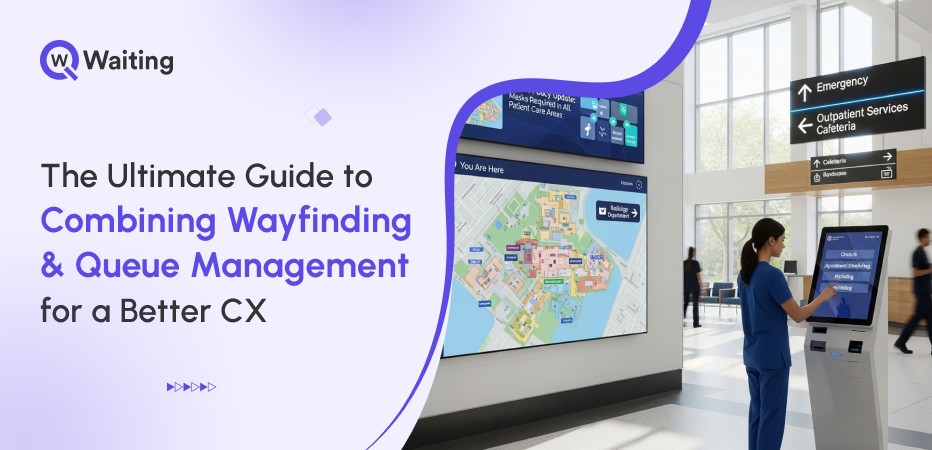
Walk into an airport, a hospital, or a government building, you often see people overwhelmed. With no clue where to go, clearly frustrated. They check the signs or ask a staff person for help to find a specific spot, and once they finally find the right counter, they’re stuck in another line, wondering how long the wait will be. Even in the year 2026, we treat finding our way and waiting in line like they are two separate problems when they’re really two sides of the same customer journey.
Here’s what’s interesting: the best-performing facilities have already figured this out. They’ve stopped thinking about wayfinding as “signage” and queue management as “crowd control.” Instead, they’re building connected experiences where every touchpoint, from the moment someone enters your building to the moment they’re served, works together. The result? Fewer bottlenecks, happier visitors, and operations teams that aren’t constantly firefighting.
Why Wayfinding + Queue Management is Now a CX Priority
This change happened without many people noticing, but it is very real. Some businesses used to think that moving people through a building was only a problem for the staff. Organizations that once treated customer flow as a facilities problem now see it as a competitive advantage, one that directly impacts satisfaction scores, operational costs, and whether people come back.
Here’s how:
The Rise of Connected, End-to-End Customer Journeys
Big businesses like retail stores, hospitals, banks, and government services no longer see things as separate steps. Customers don’t experience your lobby separately from your queue or your service counter. They experience it as one continuous flow.
When navigation feels effortless and wait times are transparent, people perceive the entire visit as better organized. They are not just small details to think about later.
What Goes Wrong When These Systems Work Separately
Being confused often starts the moment a person walks in the door. Visitors cannot find the correct office or department. So, they just walk around or ask a worker for help. People go the wrong way, and this causes crowding in places they shouldn’t be. Visitors waste time searching for desks they should have been quickly led to.
Staff spend most of their day answering the same question: “Where is this place?”, “Where to go now?” They cannot do their real work. Customer happiness goes down. Then, the business wonders why their expensive system for managing lines is not helping at all.
Why Navigation is Becoming a Board-Level Strategy
Leaders now know that how easy it is to move through a building makes a business stand out and helps their brand. This is not just a small, unimportant detail. It really matters. It shows up in customer satisfaction scores and the reviews people write online. It also decides if people will come back to that place again.
Here’s why connected CX flow is much preferred over the old CX flow:
| Old CX Flow | Connected CX Flow |
| Visitor enters → looks for signs → asks staff → waits in wrong queue → redirected | Visitor enters → guided via digital signage → self-check-in → virtual queue → real-time updates |
| High staff involvement in directions | Staff focused on service delivery |
| Long perceived wait times | Transparent, managed expectations |
| Frequent walk-aways | Higher completion rates |
What an Integrated Wayfinding + Queue Management Journey Actually Looks Like
Let’s forget the ideas and big thoughts for a minute. Let’s see what happens when someone visits a place that has done its wayfinding correctly.
Mapping the New End-to-End Visitor Flow
The visit starts as soon as the person arrives. Right at the door, bright digital screens guide visitors where to go and display the different services that are available. Visitors can sign in easily at a small kiosk or on their phone, joining a virtual line. This allows customers to wait from anywhere remotely and show up at counters when their turn comes up.
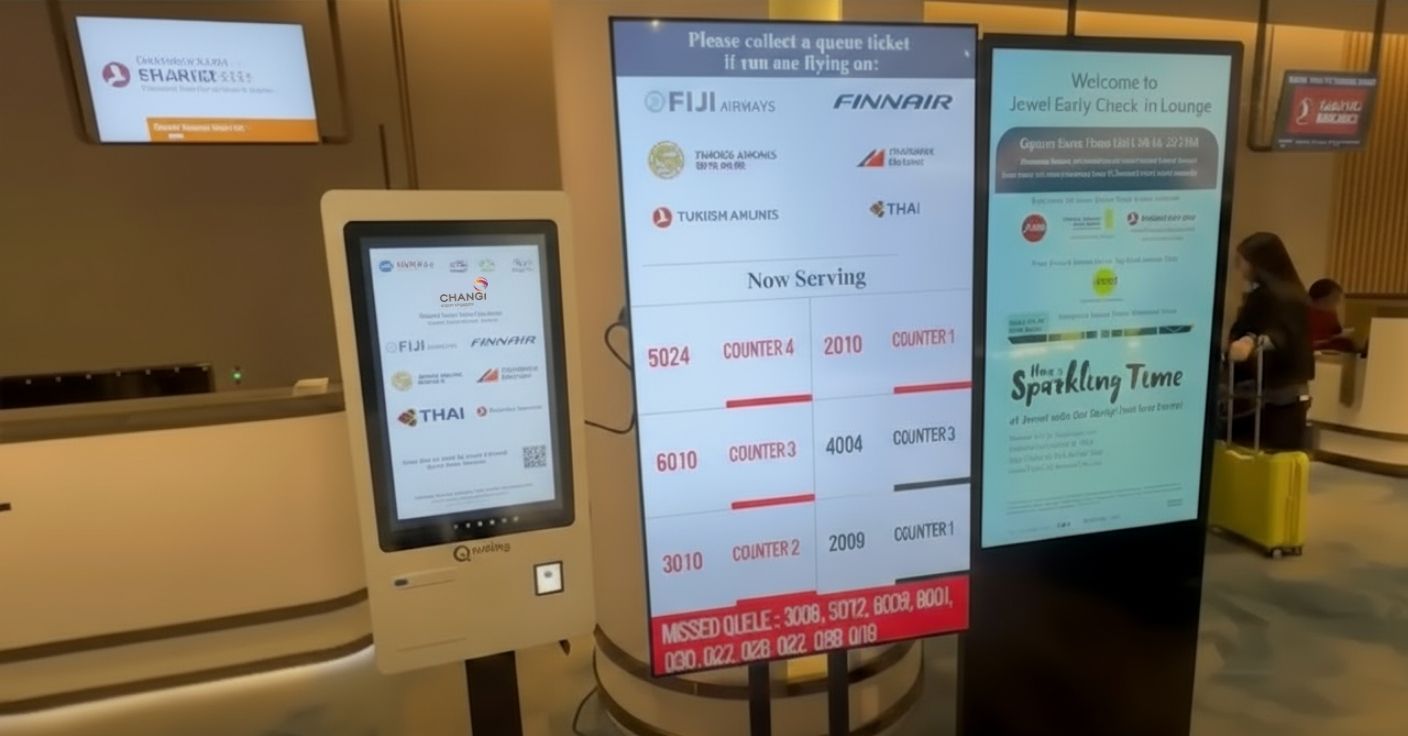
The system then sends messages to the visitor’s phone. These messages tell them their spot in the line. When it is almost their turn, the system tells them exactly where to go next. It points them to the correct service window or desk. They never have to wonder where to go next.
Smart Digital Signage as the Experience Bridge
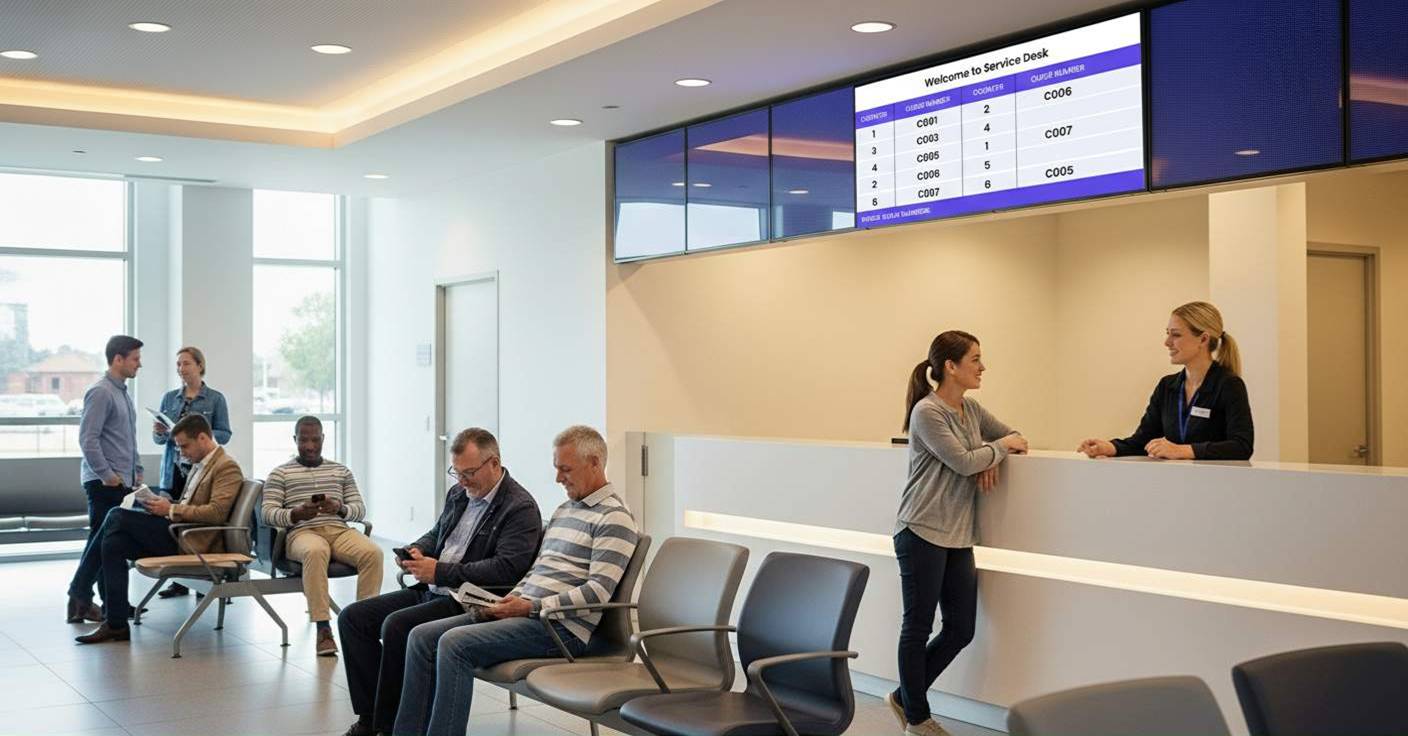
Good wayfinding is more than just arrows painted on a wall. It uses dynamic signage screens to show real-time information. The screen displays the line status to tell customers how long the current wait is for different services.
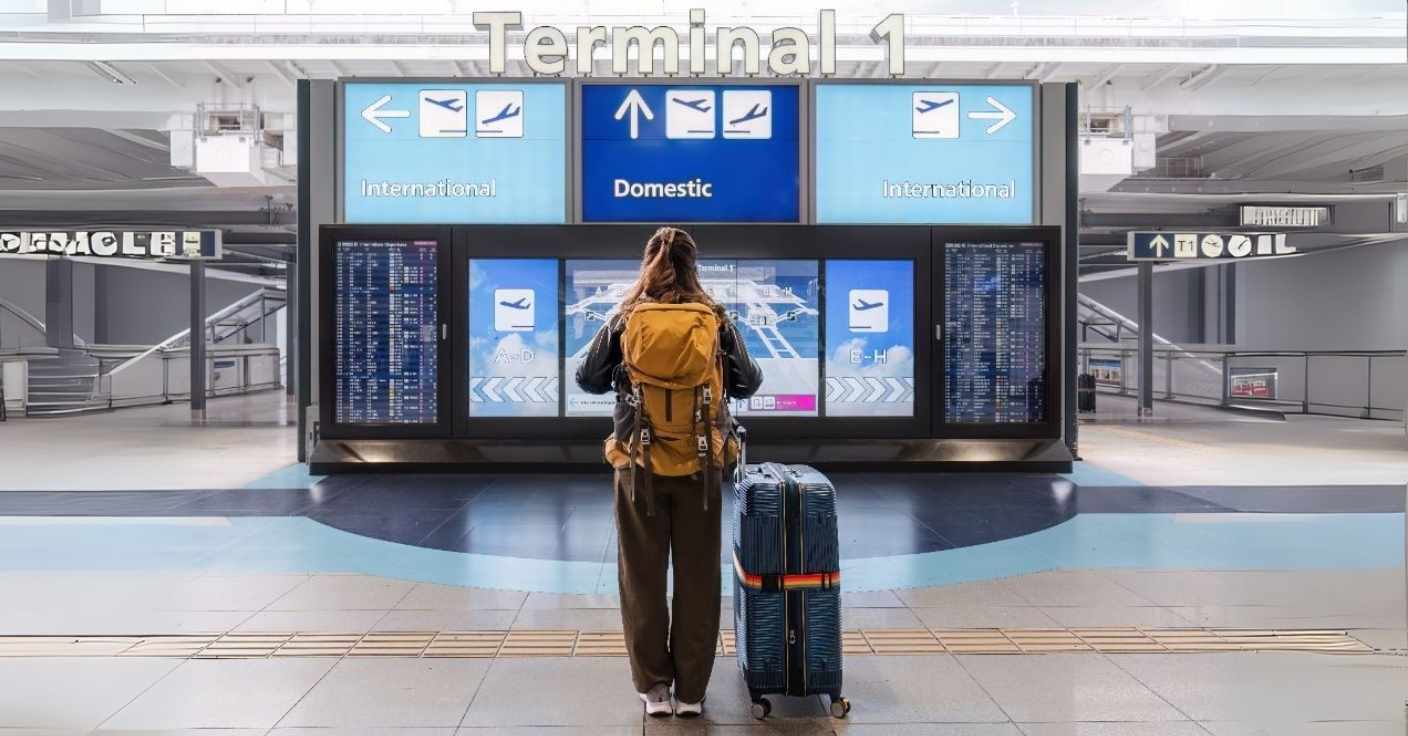
Directional screens guide people to the desks that are not busy. This helps stop crowds from forming in one spot. Also, guidance for different service types helps visitors choose the correct line for themselves. They can do this even before they formally check in to the system.
Here’s how different signage screen displays help businesses:
| Display Type | Purpose | Benefit |
| Directional Signage | Guide visitors to departments/services | Reduces confusion, minimizes staff queries |
| Queue Status Boards | Show wait times and queue lengths | Manages expectations, reduces perceived wait |
| Service Counter Displays | Call visitors by ticket/name | Eliminates missed calls, improves flow |
| Category Guidance Screens | Help visitors choose the right service | Prevents wrong queue assignments |
Mobile-First Journeys That Reduce Friction
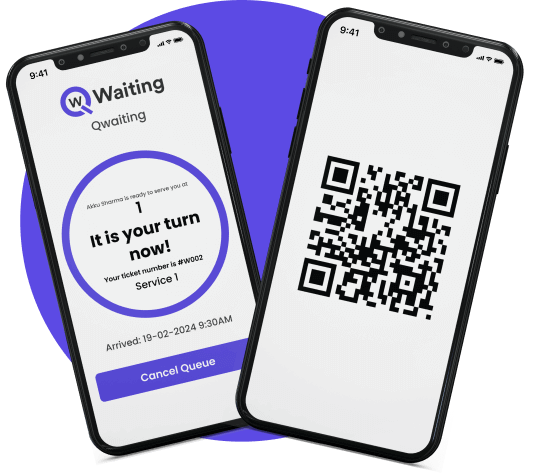
Here’s where things get really smooth. Visitors scan a QR code at entry and get personalized navigation on their phone. They can check in remotely, receive WhatsApp or SMS updates about their queue position, and see exactly how much time they have before service. Wait time transparency turns anxiety into freedom—people use that time productively instead of hovering near counters.
For readers exploring how digital queuing transforms customer flow beyond traditional lines, see how modern digital queues automate waitlists and reduce crowding across industries.
The Business Impact Leaders Care About
You are likely reading this because you want more than just “nicer visits.” You want to know what changes in the way the business works, and how it changes the money situation.
Reduced Congestion, Stress, and Visitor Drop-Off
When people are guided well and clearly, they don’t wander around. This stops the entrance areas and hallways from getting too crowded. People know exactly where they are going and how long they have to wait. Because of this, they feel like the wait time is shorter. This happens even if the wait time is the same. That feeling of a short wait is very important.
Fewer visitors give up and leave. This is because they feel like they have information and are in control. They do not feel upset or forgotten.
Higher Staff Productivity and Smoother Operations
Most businesses do not know how much time their staff spend answering questions. These are questions like, “Where is the payment desk?” or “Which line should I stand in?” or “How much longer will I wait?”
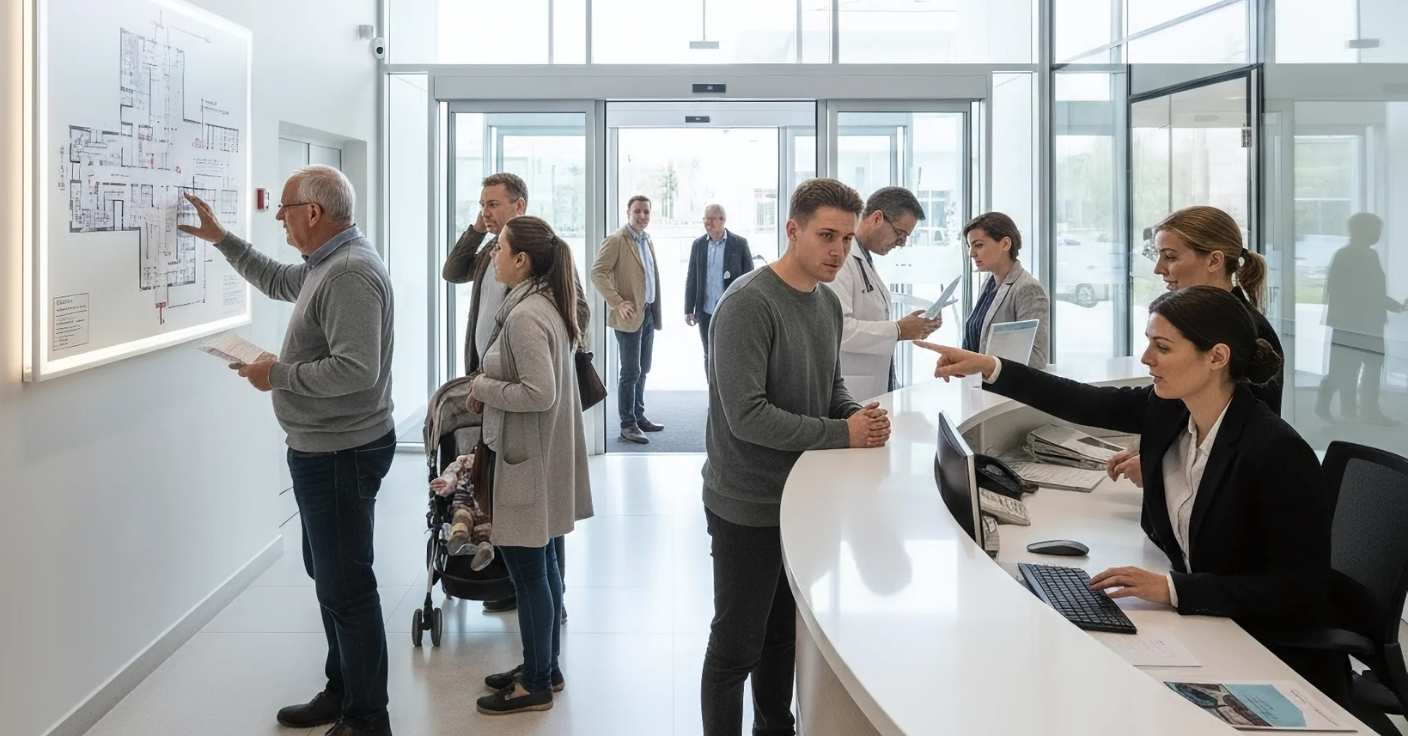
Good signs and the waiting line system answer these questions automatically. This frees up the staff members so they can then spend their time helping customers instead. This means they saved hundreds of hours every week.
Data Visibility That Unlocks Operational Insights
Now we get to the smart planning. These systems create heatmaps and show you where the crowds gather the most, and where busy spots are.
The line-waiting information tells you if a service needs more staff at a point or not. Data on “dwell time” indicates where people stand still and become stuck. Knowing how long services take helps you plan for how many workers you will need later. Smart routing shows if your building’s design is making things harder. You cannot make things better if you do not measure them first.
Scalability for Multi-Location Enterprises
If a business has many stores, offices, or buildings, everything needs to be the same. Visitors expect the visit to be smooth and easy everywhere. This is true whether they go to a downtown office or a place far outside the city.
The systems for signs and waiting lines help with this. They let you use the same good plans across all locations. You can still change small things for each specific place. This means you have the same high standards, but you can be flexible in how you do it.
Before-and-After KPI Comparison
| Metric | Before Integration | After Integration | Improvement |
| Average navigation time | 4.5 minutes | 1.2 minutes | 73% reduction |
| Staff time on directions | 35% of shift | 8% of shift | 77% reduction |
| Queue abandonment rate | 18% | 6% | 67% reduction |
| Customer satisfaction | 72% | 89% | +17 points |
| Service completion rate | 82% | 94% | +12 points |
The Core Components You Must Integrate (The Non-Negotiables)
You cannot truly fix this by just adding on quick fixes. You need things that are made to work together. Here are the parts that must work as one.
Smart Directional Signage + Interactive Maps
For big places like malls, hospitals, college grounds, and airports, regular signs are not enough. They need better tools.
Digital screens are much better. They can change what they show based on how many people are there right now. This is called dynamic signage. Also, visitors can touch interactive maps to find things and search for a store or a certain office.
Very large buildings need maps that show the paths on every floor. The goal is more than just pointing the right way. It is about making people sure and confident that they are going the right way.
A Virtual Queue System With Real-Time Positioning
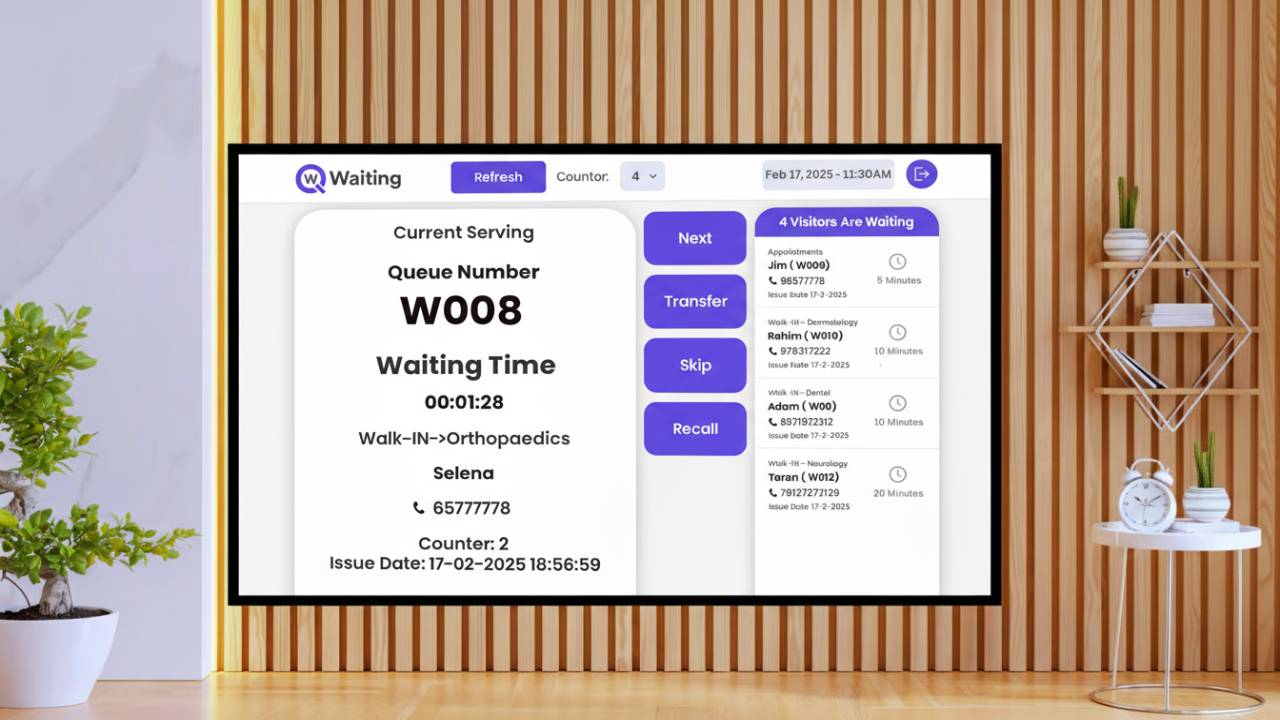
Knowing where people are changes many things. When the line system knows a person’s location, it can guess how long the service will take more correctly. It can also assign workers in a smarter way. For example, if someone is still finding their way, the system can wait a moment before calling them. If a person leaves the building for a short time, the system will change their spot in line. This stops people from missing their turn. It keeps the flow of the business running very well.
Appointment Scheduling With Arrival Guidance
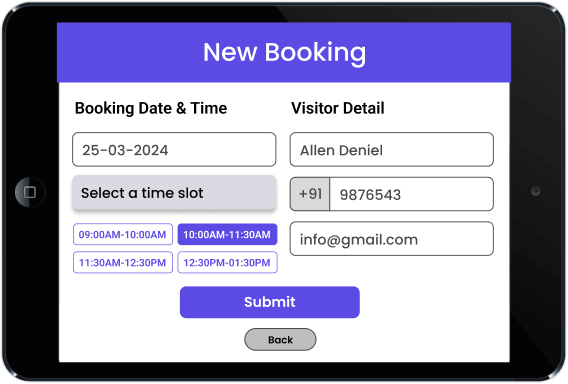
Pre-arrival routing is underused. When someone books an appointment, send them arrival instructions with map-based directions to the exact check-in point. Once they arrive, automated check-in guidance moves them seamlessly into the queue. No friction, no confusion, just a smooth transition from booking to service.
Self-Service Kiosks + Face Recognition Check-In
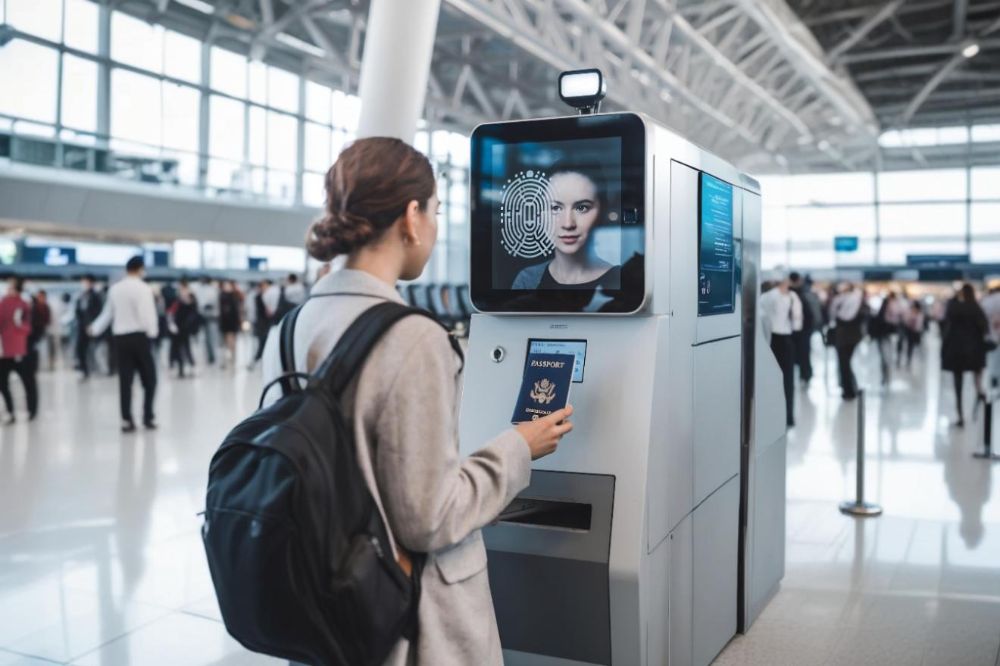
Faster onboarding matters, especially during peak hours. Self-service kiosks let visitors check in without staff involvement. Add face recognition, and you’ve got touchless flows that verify identity and route people automatically. One government office using this setup cut check-in times from an average of 3.5 minutes to under 30 seconds.
Messaging & Alerts Across Multiple Channels
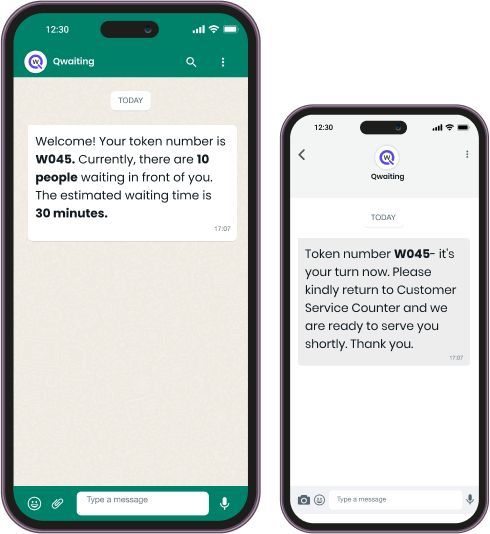
People don’t all want updates the same way. Some prefer SMS, others want WhatsApp or email. Display boards in waiting areas work for those who didn’t opt into mobile notifications. Push notifications reach app users instantly. The key is omnichannel consistency, everyone gets the information they need, in the format they prefer, at the right time.
Accessibility and Inclusivity Built In
Multilingual signage isn’t optional if you serve diverse populations. ADA-compliant routes ensure people with mobility challenges can navigate easily.
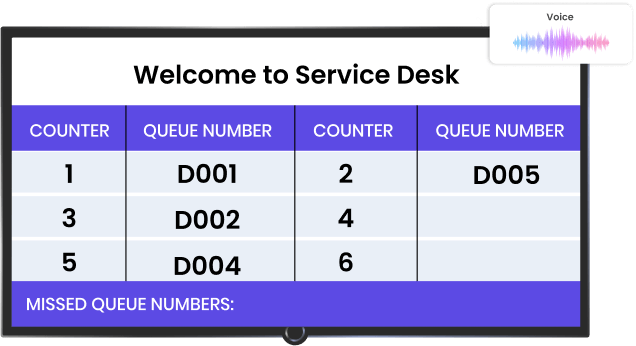
Audio guidance helps visually impaired visitors. Larger fonts and high-contrast displays make information readable for everyone. Accessibility isn’t just compliance—it’s better design for all users.
How to Implement Both Without Disrupting Daily Operations
Look, this isn’t a “flip the switch” upgrade. But it doesn’t have to be a multi-year ordeal either.
Start With Journey Mapping, Not Technology
Too many implementations fail because teams jump straight to vendor selection. First, map your actual customer journey.
- Where do bottlenecks form?
- Which touchpoints cause the most confusion?
- What are your desired outcomes, faster throughput, higher satisfaction, reduced walk-aways?
Understanding these answers first means you’ll pick the right solution, not just the one with the best demo.
Unify All Touchpoints Under One Platform
Picking a system that handles navigation, queuing, and digital signage together reduces complexity. You’re managing one vendor relationship, one data model, one support channel. Integration headaches disappear. And this matters to visitors’ experience consistency because everything’s orchestrated by a single brain, not three separate systems trying to talk to each other.
Pilot → Optimize → Scale Framework
Run a controlled rollout in one location or department. Gather data, refine based on what you learn, and then expand to all locations. One retail chain piloted integrated wayfinding and queue management in its flagship store for three months. Walk-time to service desks dropped 58%, and customer satisfaction jumped 14 points. They scaled the system to all 47 locations within six months.
Stakeholders Who Should Be Involved
This isn’t just an IT project.
- CX leaders define the experience goals.
- Operations teams identify service bottlenecks.
- Facilities management handles physical space considerations.
- The IT team ensures technical integration.
- Marketing makes sure messaging aligns with the brand voice.
Get everyone aligned early, or you’ll end up with a technically perfect system that doesn’t actually serve your visitors well.
What Happens If You Delay the Upgrade
Here’s the thing: visitor expectations keep rising. Every smooth digital experience elsewhere, booking a rideshare, ordering food, checking into a hotel, raises the bar for what people expect from your facility. Delay this upgrade, and the gap between expectations and reality grows. Walk aways increases. Negative reviews pile up. Competitors who’ve already made this shift start looking more competent by comparison.
Future-Ready Enhancements to Keep You Ahead
AI routing is already here in some facilities. Predictive wait-time algorithms that factor in service complexity, time of day, and historical patterns. Location-aware notifications that trigger actions based on where someone is in your building. Digital twins that let you simulate service scenarios before changing physical layouts. The organizations winning at CX aren’t just solving today’s problems, they’re building infrastructure that adapts to whatever comes next.
Ready to see what connected wayfinding and queue management looks like in practice? Qwaiting brings navigation, virtual queuing, digital signage, and real-time analytics together in one platform. Whether you’re managing a single high-traffic location or coordinating experiences across dozens of sites, the system scales with you, without the complexity of juggling multiple vendors.
Explore how Qwaiting works or calculate your ROI to see what improved customer flow could mean for your operations.